

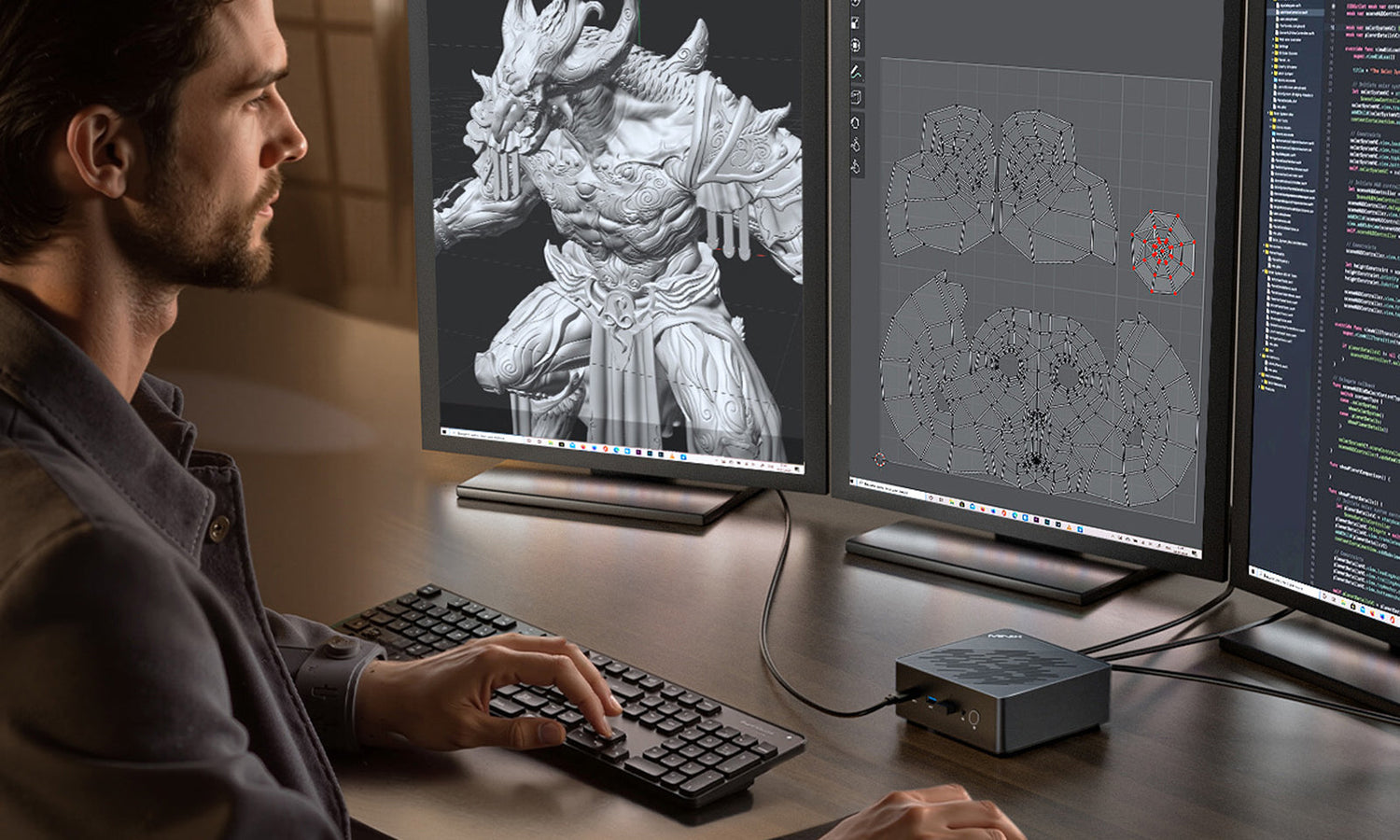
In the professional landscape of 2026, the bulky desktop tower is officially a relic. As minimalist aesthetics, hybrid work models, and local AI-driven workflows take center stage, the pivotal question has shifted: It is no longer "what is a mini pc," but rather: "How much performance can I pack into one without compromising reliability?"
The modern best mini pc is no longer a compromise; it is a high-density workstation. However, not all compact systems are created equal. This guide provides a deep dive into the technology, the selection criteria, and the configuration strategies of the MINIX Mini PC lineup to help you build your dream workstation.

Professional Selection: Decoding the "Work Power" Behind the Specs
To choose a machine that stays fast for years, you must understand how modern silicon translates into daily productivity.
I. The Dual-Engine Core: CPU + AI NPU
In 2026, a computer's "brain" is a collaborative system between the CPU (Generalist) and the NPU (Specialist).
The CPU (Central Processing Unit): Handles sequential logic, such as launching applications and processing complex Excel formulas. For professional work, we prioritize IPC (Instructions Per Cycle). A chip like the Ryzen 5 6600H in the NR660 ensures that background tasks never interrupt your foreground work.
The AI NPU (Neural Processing Unit): This is the defining feature of an ai mini pc. It offloads repetitive AI tasks—such as real-time eye-contact correction in video calls, noise suppression, and local LLM (Large Language Model) inference.
The "TOPS" Metric: Performance is measured in TOPS (Trillions of Operations Per Second). While a CPU might struggle with AI, a dedicated NPU with high TOPS (like the 126 total TOPS in the ER939-AI) handles these tasks with 90% less power, keeping your system cool and your CPU free for primary tasks.

II. Memory Bandwidth and SSD Throughput
DDR5-5600+ Standard: Memory is your "digital desk space." In a mini pc windows 11 environment, DDR5 is essential. It provides the high bandwidth required for integrated GPUs to drive multiple 4K monitors smoothly.
Dual-Slot NVMe Storage: High-speed SSDs eliminate "input lag." Professional models like the NR660 feature dual M.2 slots, supporting up to 8TB of total storage—critical for data redundancy and massive project files.

III. Thermal Engineering: The "0dB" Silence and Stability
Longevity is a performance metric. If a PC overheats, it "throttles," cutting its speed to save itself.
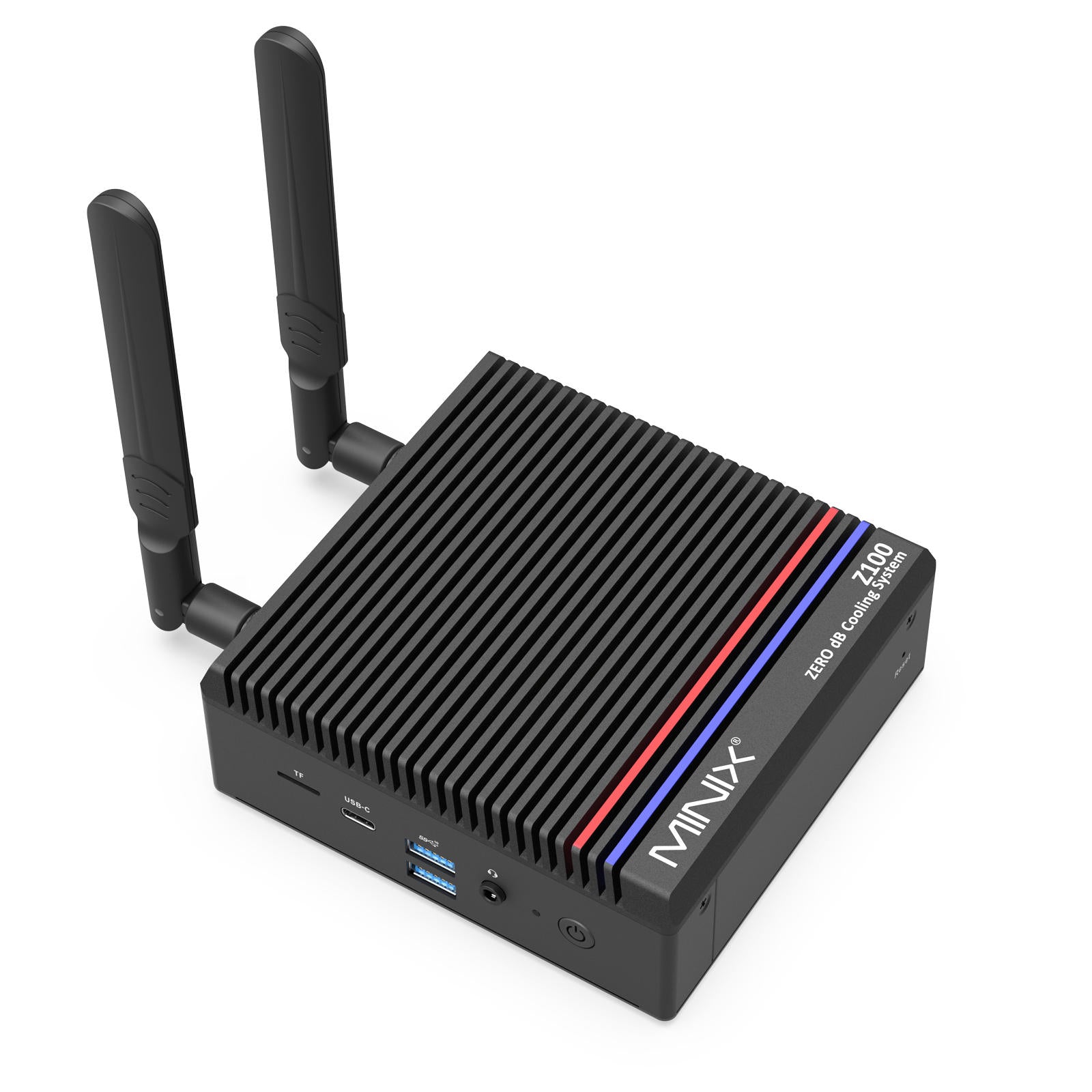
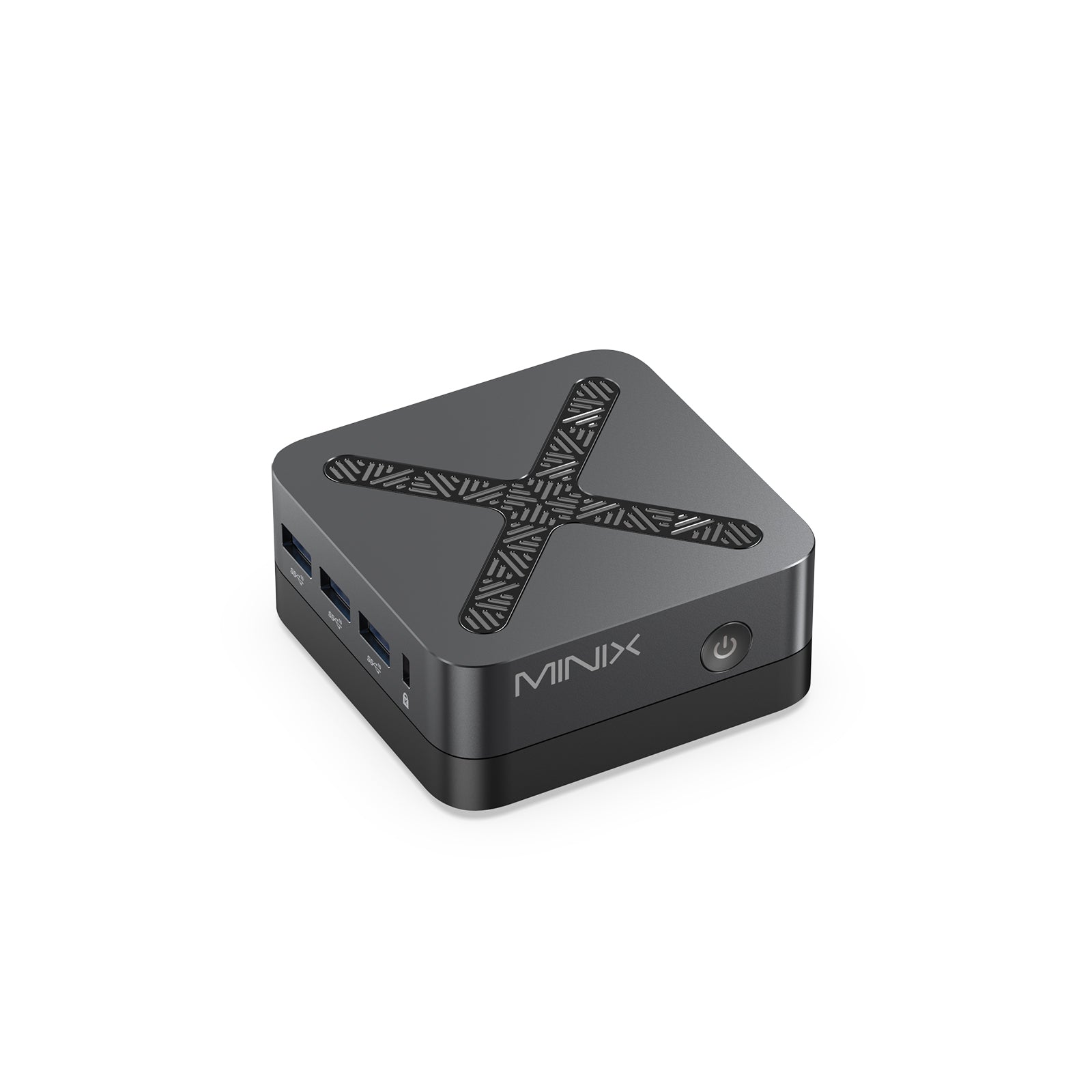
Fanless Mini PC Technology: Specialized units like the MINIX Fanless Mini PC series utilize a Special Aluminum Heat Dissipation Shell. Aluminum’s high thermal conductivity allows the entire chassis to act as a physical heatsink.
The Silent Advantage: A fanless design ensures 0dB absolute silence and zero dust intake. This makes fanless models ideal for cleanrooms, quiet studios, or industrial environments where dust buildup usually kills traditional PCs.

IV. Static Protection: The Invisible Insurance
Often overlooked, Anti-Static hardware protection is a hallmark of MINIX's professional-grade engineering. In dry office environments, electrostatic discharge (ESD) can cause sudden reboots or permanent damage to microchips. MINIX integrates shielding in specific models (like the Z350-0dB) that prevents these stray sparks from reaching core components—a feature rarely found in budget competitors.

Workplace Personas: Which Configuration Matches You?
| Persona | Environment | Essential Need | Recommended Solution |
|---|---|---|---|
| The Focused Professional | Open Office / Quiet Home | Silence, Stability, Anti-Static | Z150-0dB / Z350-0dB |
| The Multi-Tasking Elite | Hybrid Work / Large Data | Dual-Channel DDR5, Dual SSD | NR660 / NUC150 |
| The AI Content Creator | Studio / AI Lab | 120+ TOPS, 8K Quad-Display | ER937 / ER939-AI |
| The IT/Lab Specialist | Server / Tech Lab | Thunderbolt 4, 96GB+ RAM | EU715-AI |
The 2026 MINIX Lineup: No-Compromise Product Deep Dive
Category A: The Silent Professionals (Fanless & Protected)
MINIX Z350-0dB: The definitive Fanless Mini PC. Powered by the Intel i3-N350, it features the Special Aluminum Shell and Anti-Static hardware protection. It is one of the few fanless units that maintains peak clock speeds without thermal underclocking.
MINIX Z150-0dB: The entry-level silent hero. Utilizing the Intel N150, it is perfect for basic office tasks and digital signage, offering dual 4K output in a completely silent, maintenance-free package.

Category B: The Efficiency Workhorses (High Expansion)
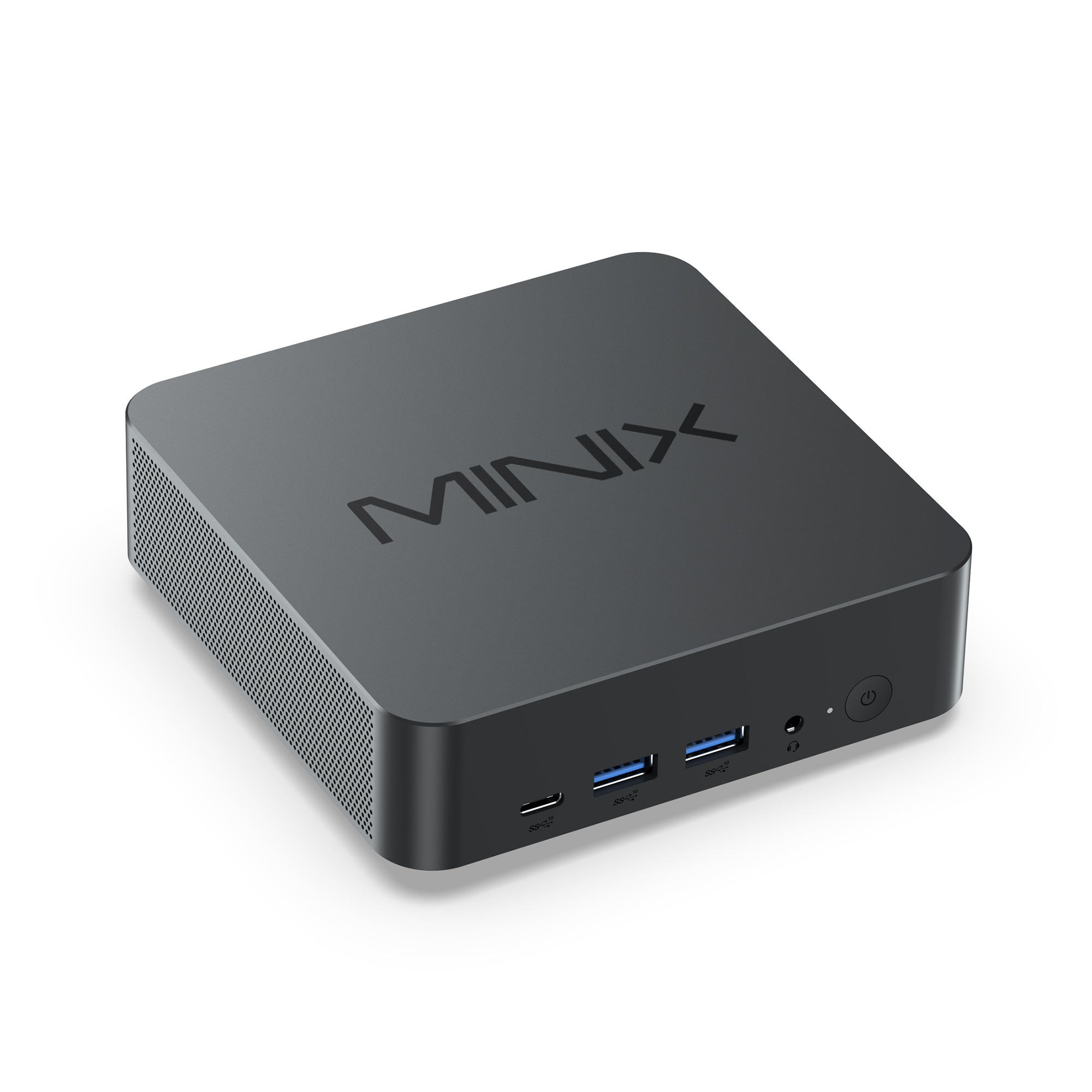
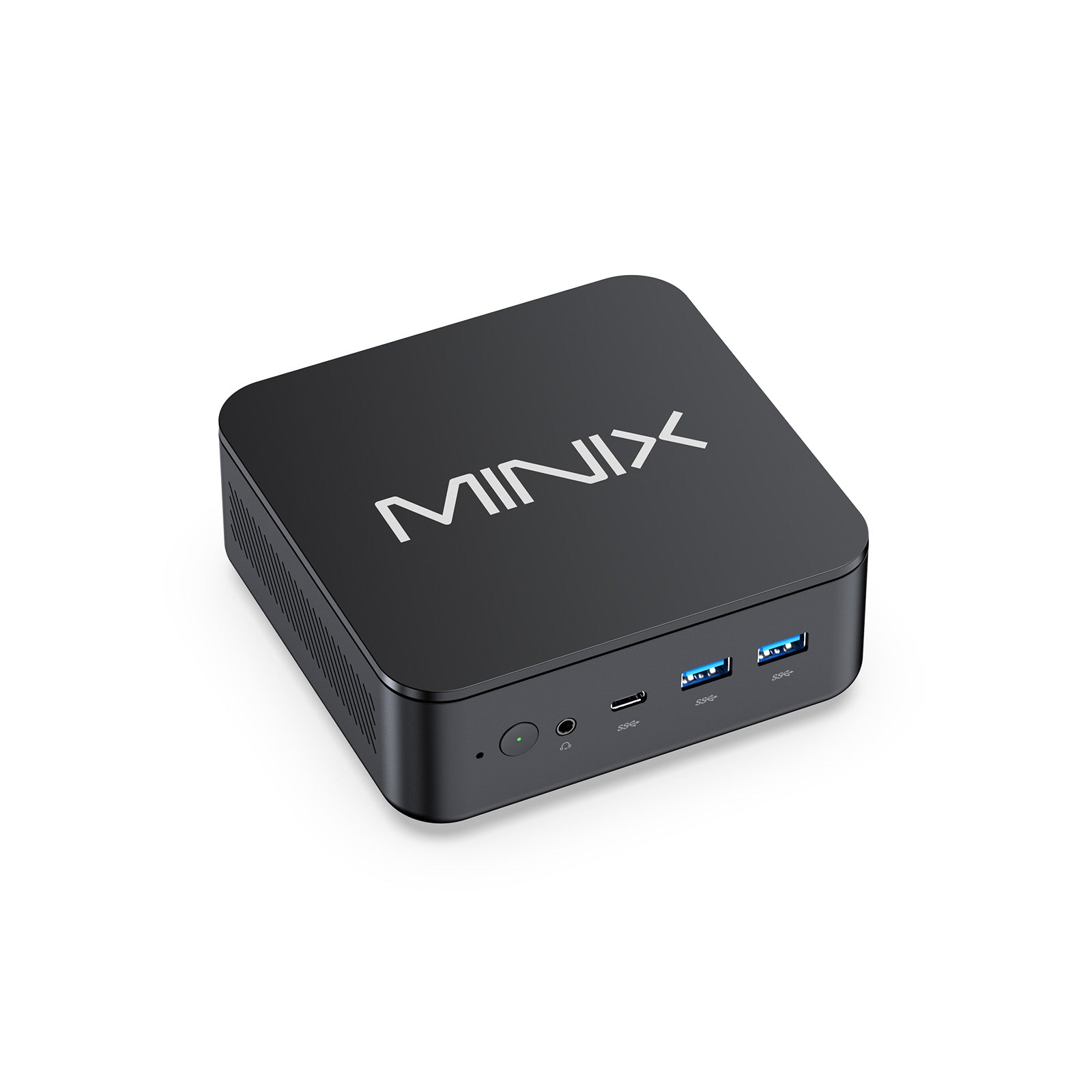
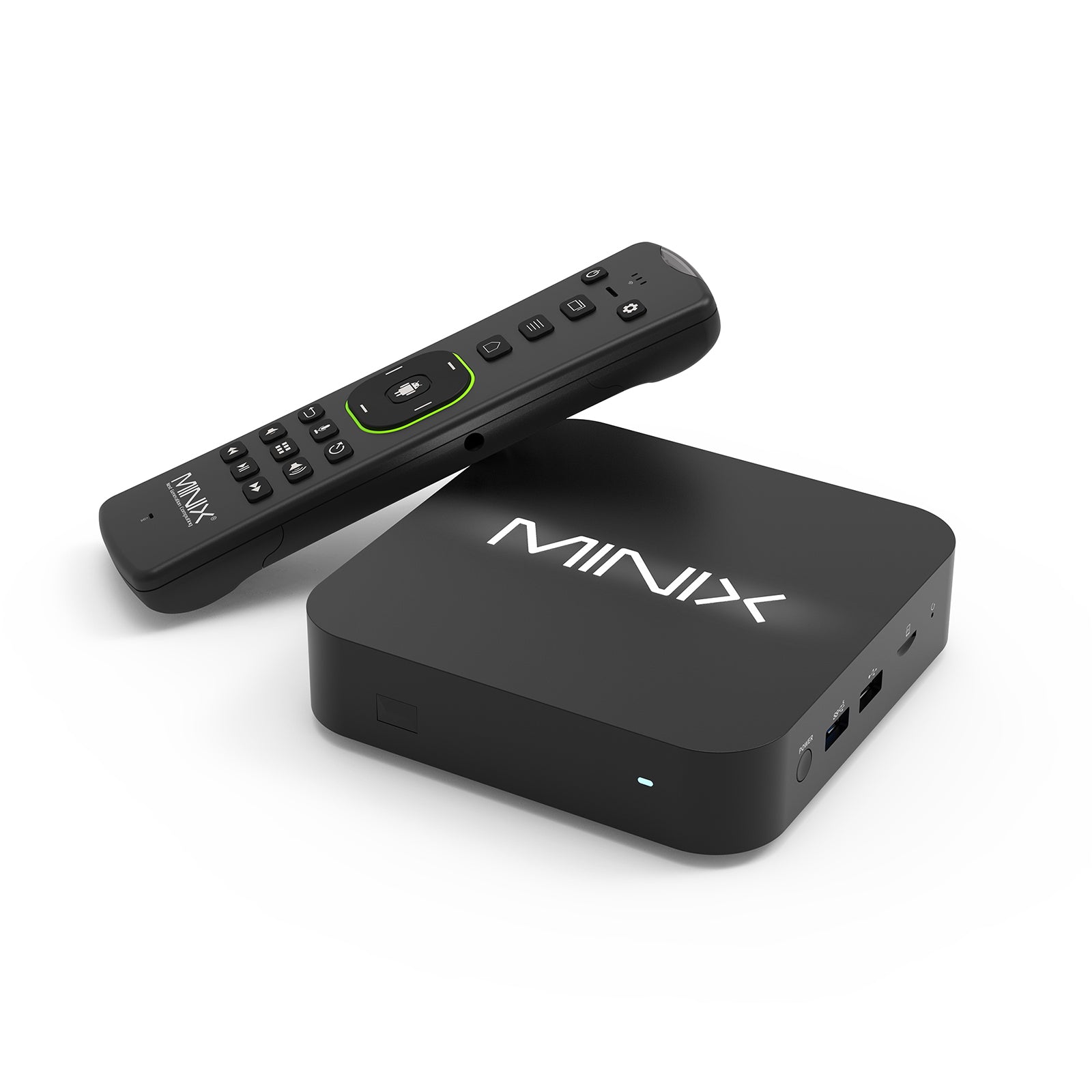
MINIX NR660: A versatile beast featuring the AMD Ryzen 5 6600H. It boasts dual DDR5 slots (up to 64GB) and dual PCIe 4.0 SSD slots (up to 8TB). At just 460g, it is the ultimate "Hybrid Office" companion.
MINIX NUC150: Small in size, massive in vision. This micro-workstation supports triple 4K displays, making it the best mini pc for traders and analysts who require a large visual field on a compact desk.

Category C: The AI & Pro Creators (Maximum Power)
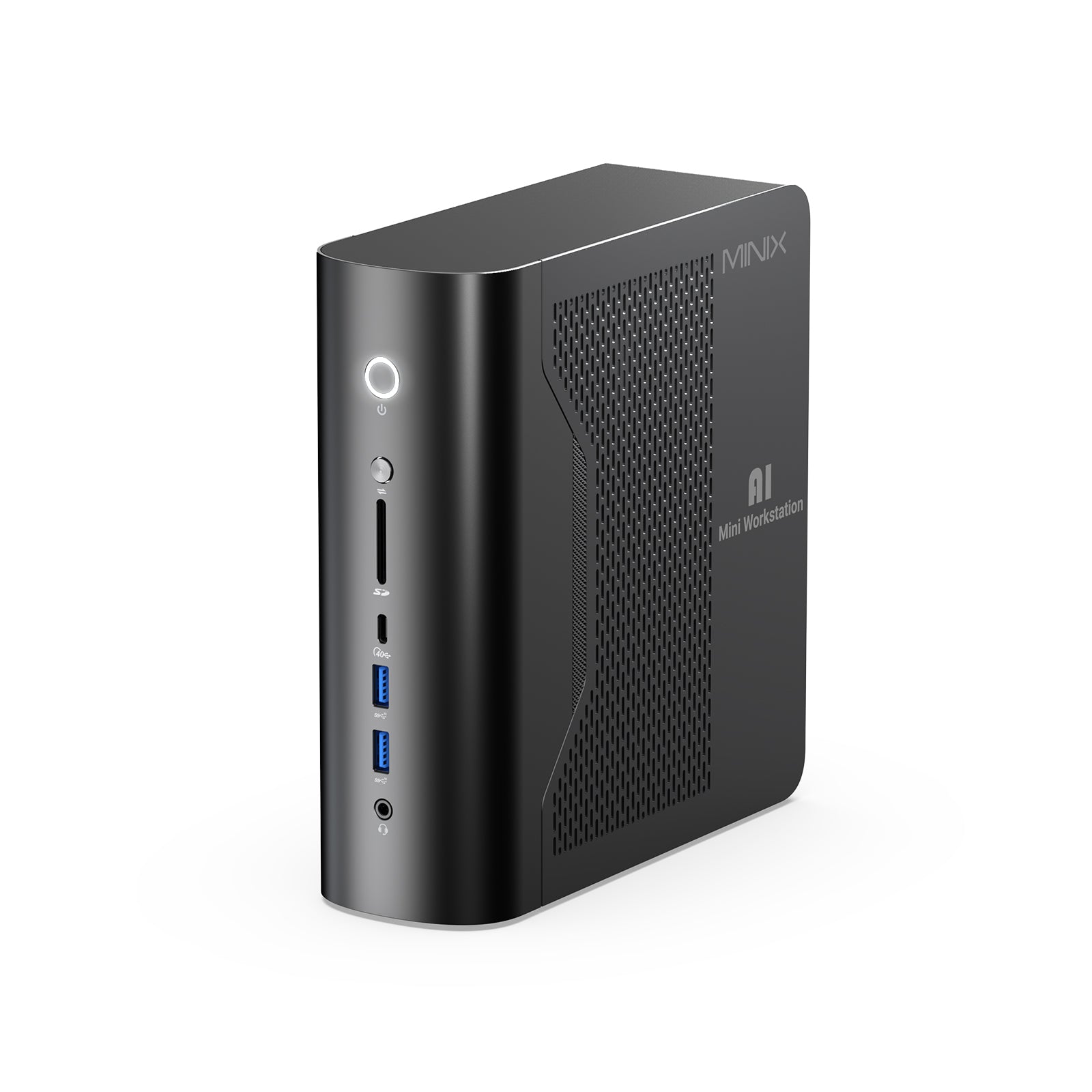
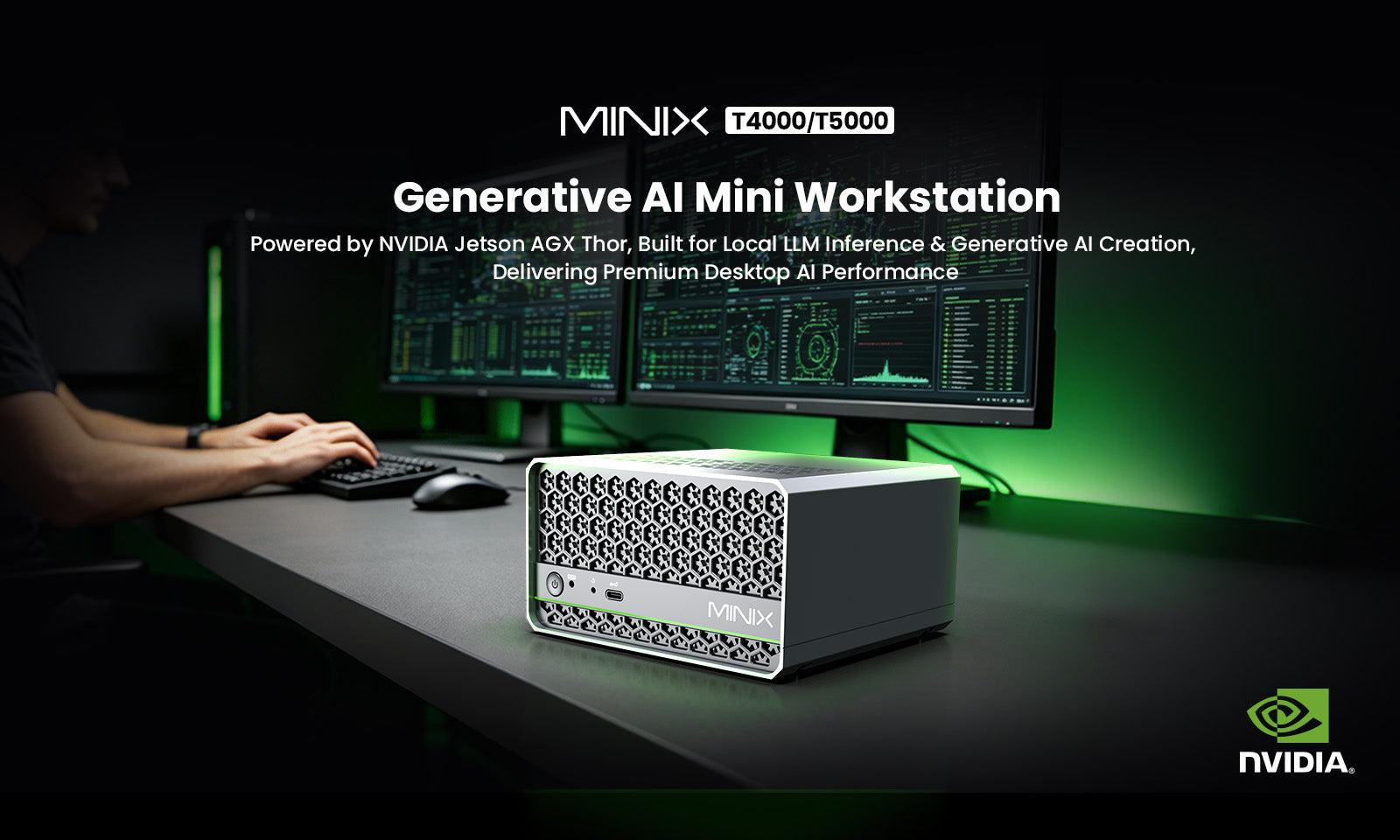
MINIX ER939-AI: The flagship ai mini pc with a staggering 126 Total TOPS. Featuring the Ryzen AI Max+ 395 and a "Twin Turbo Intercooler" triple-fan system, it ensures relentless performance during 8K renders.
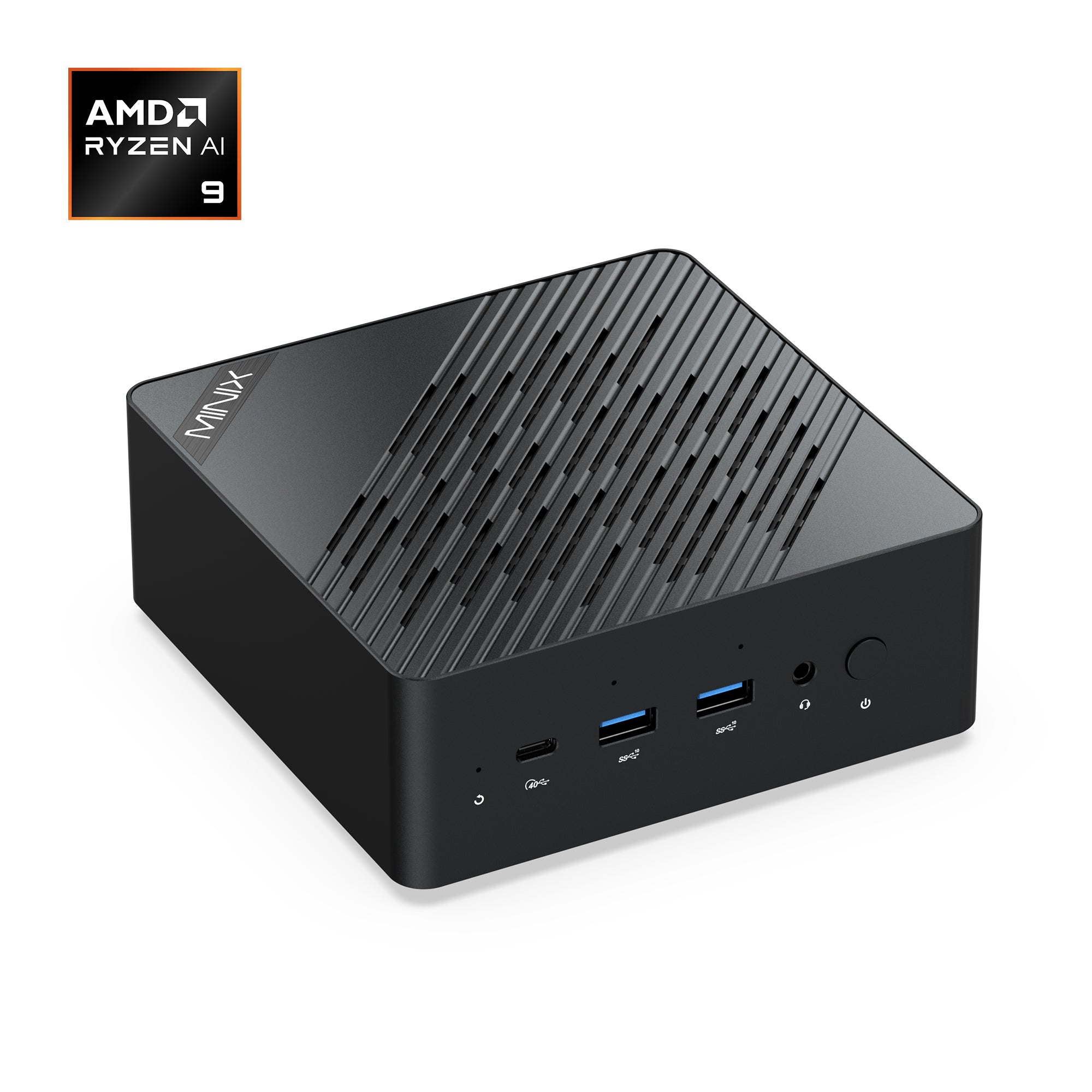
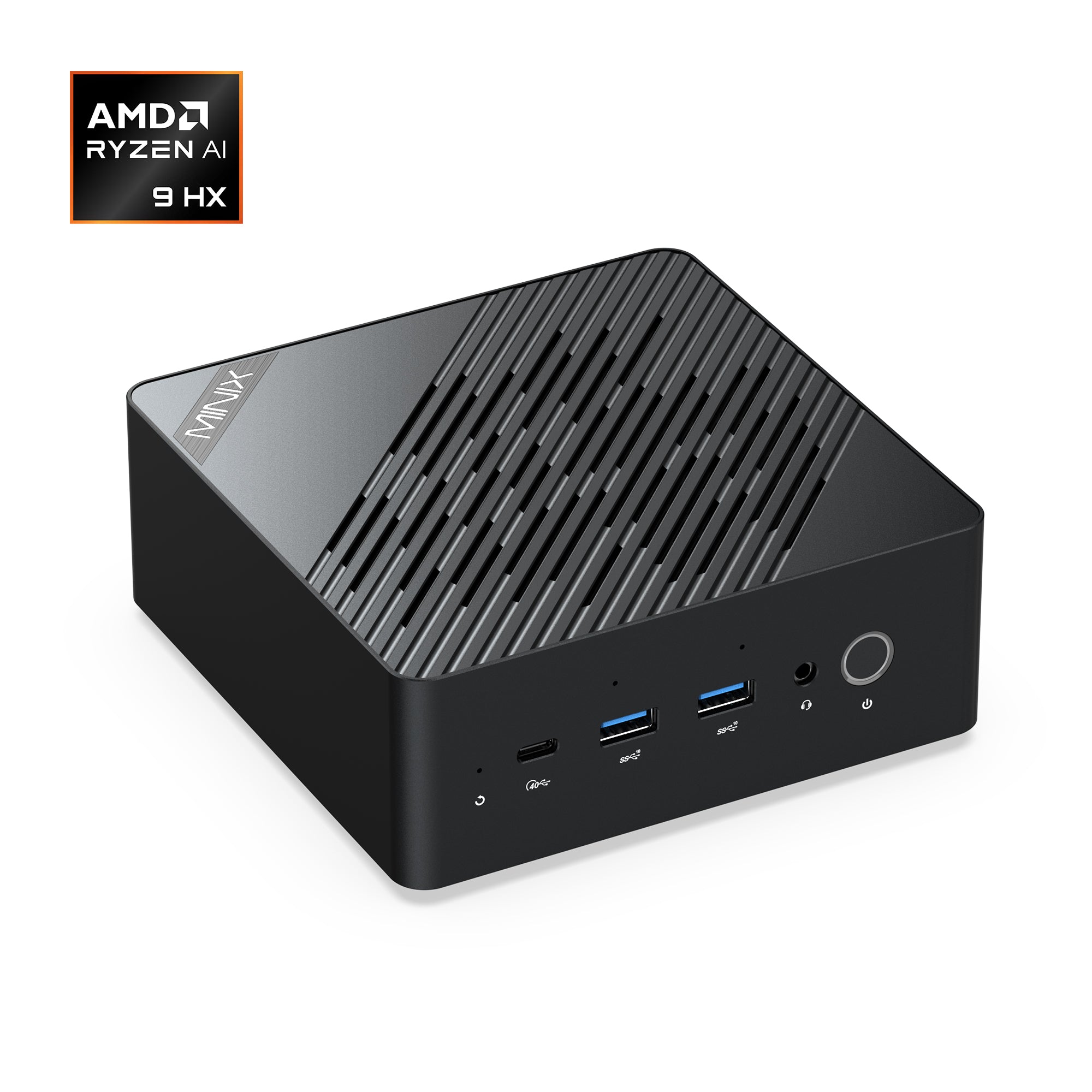
MINIX ER937-AI: Powered by the Ryzen AI 9 HX 370 (80 TOPS), it introduces Windows Hello fingerprint security and a tool-less quick-release design for effortless memory/SSD upgrades.
MINIX EU715-AI: The elite choice. Utilizing the Intel Core Ultra 7 and Thunderbolt 4 (40Gbps), it provides the fastest expansion possible for external GPUs or ultra-high-speed network arrays.

Advanced Configuration: The "Single-Cable" Workspace
A workstation is only as good as its peripherals. The MINIX GaN Charger has redesigned the power experience for 2026:
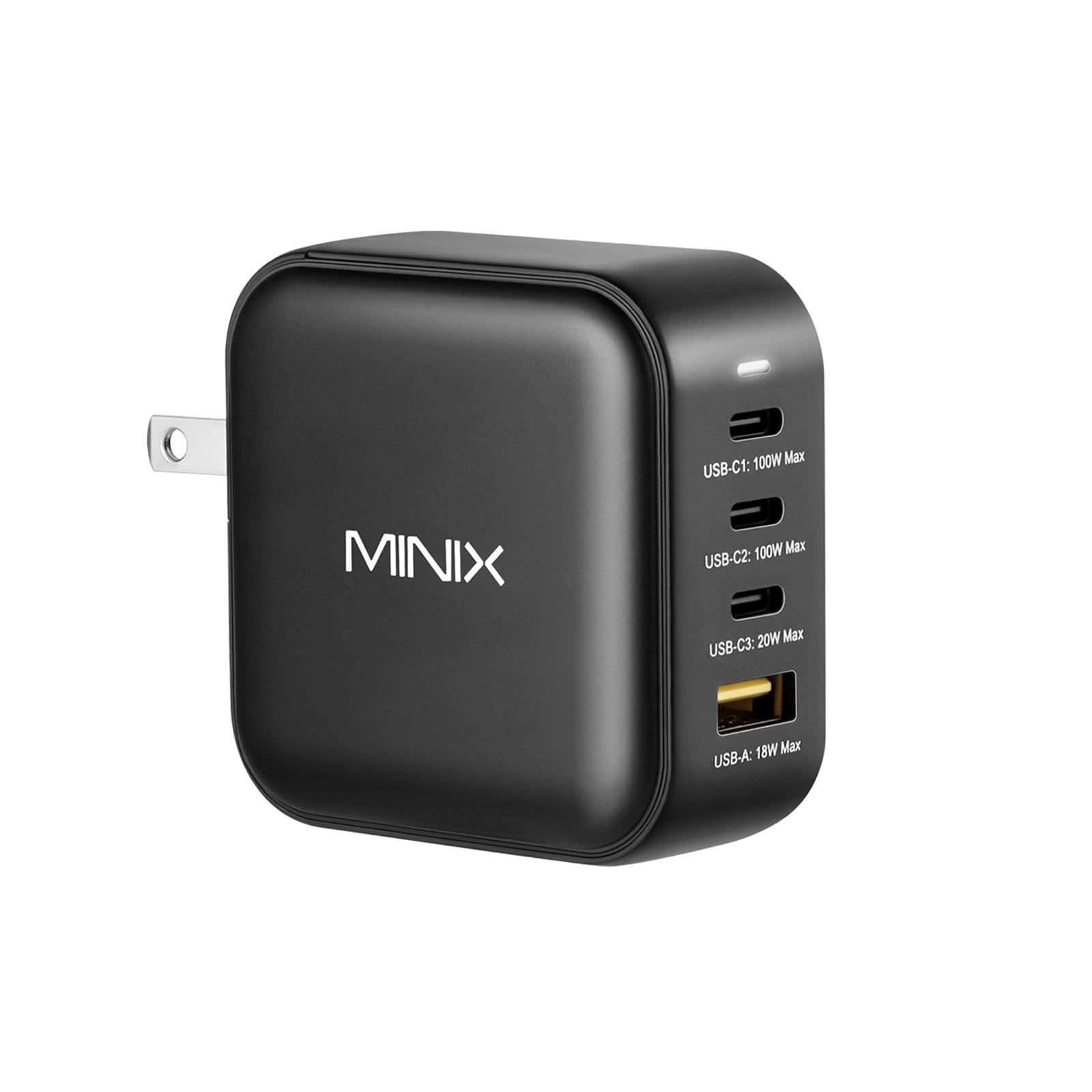
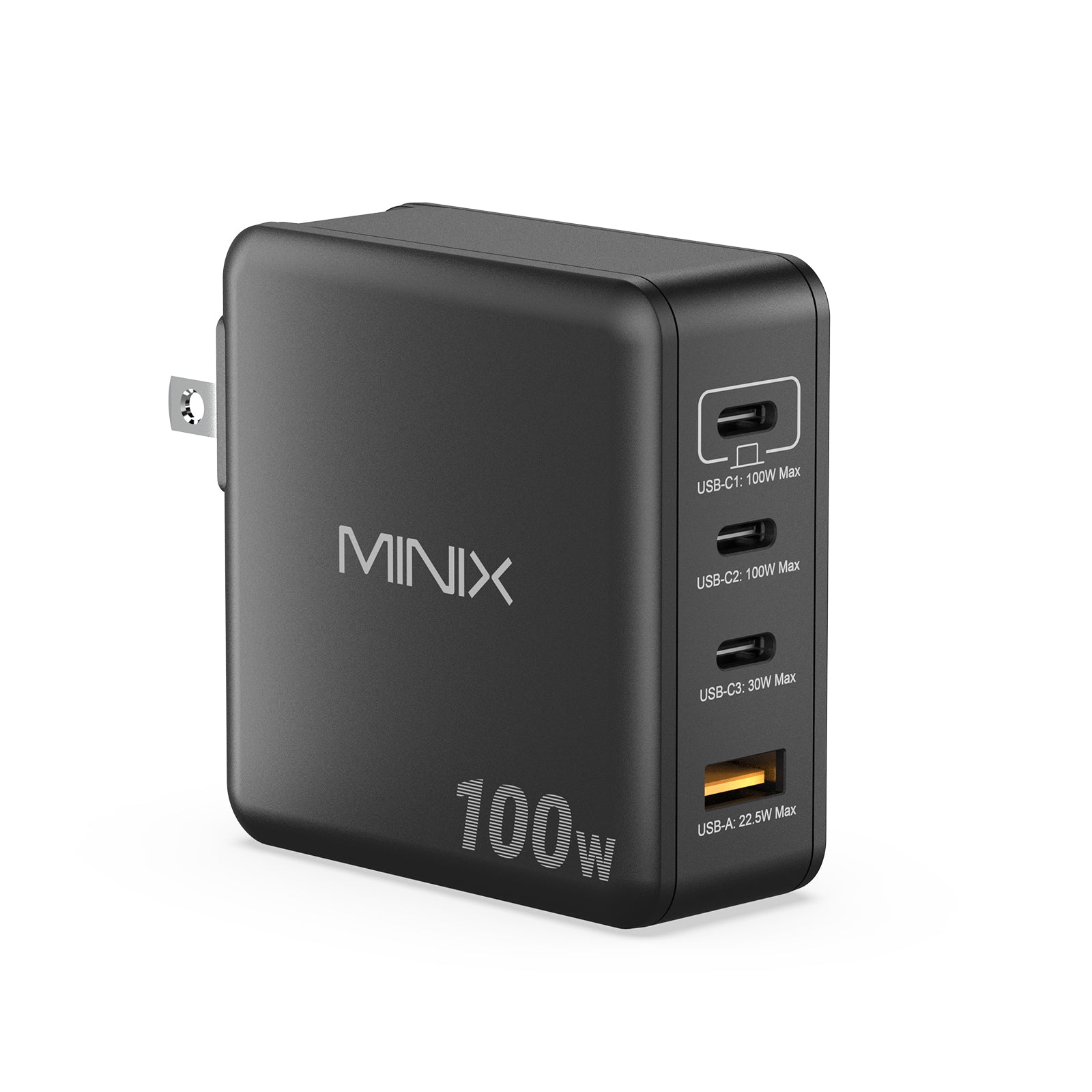
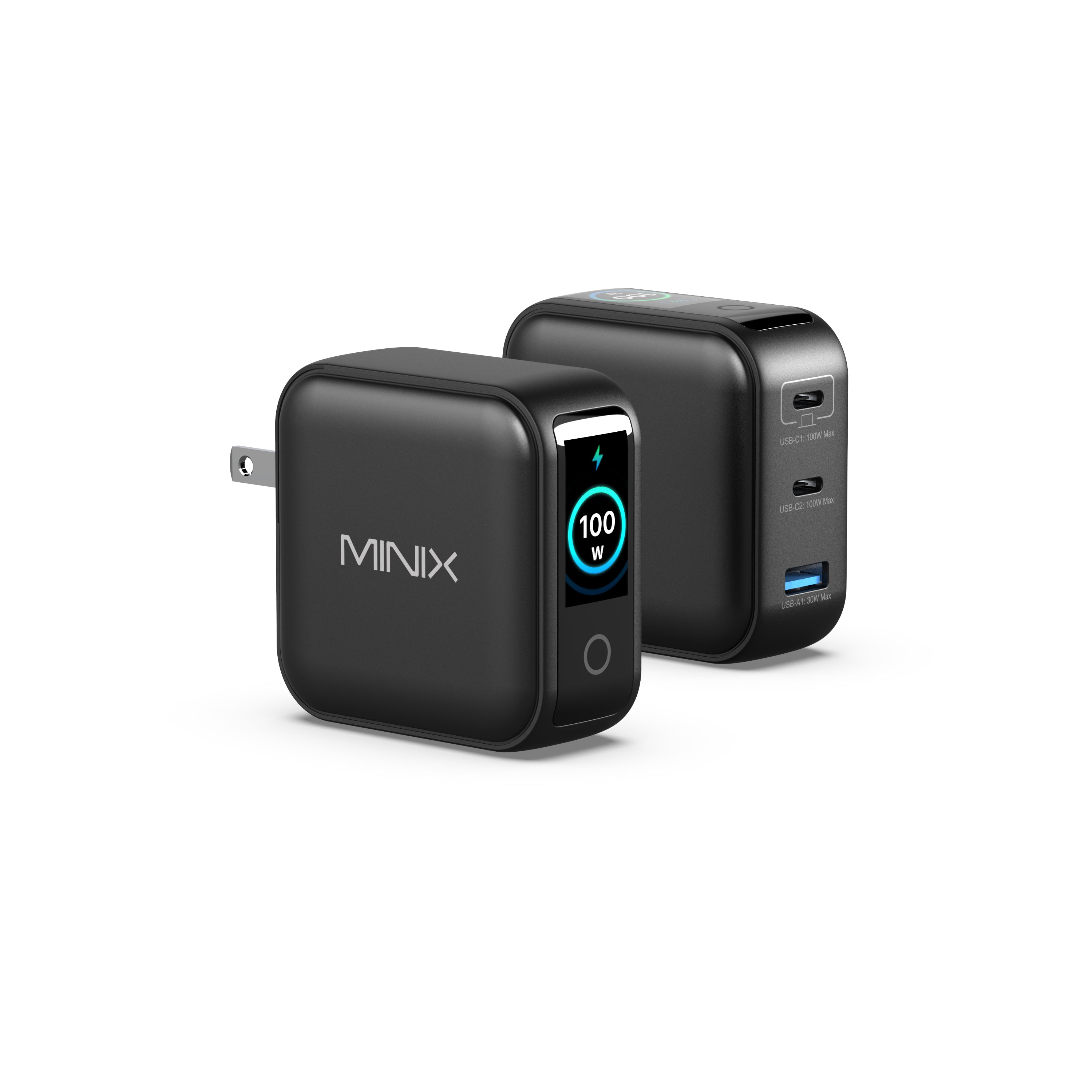
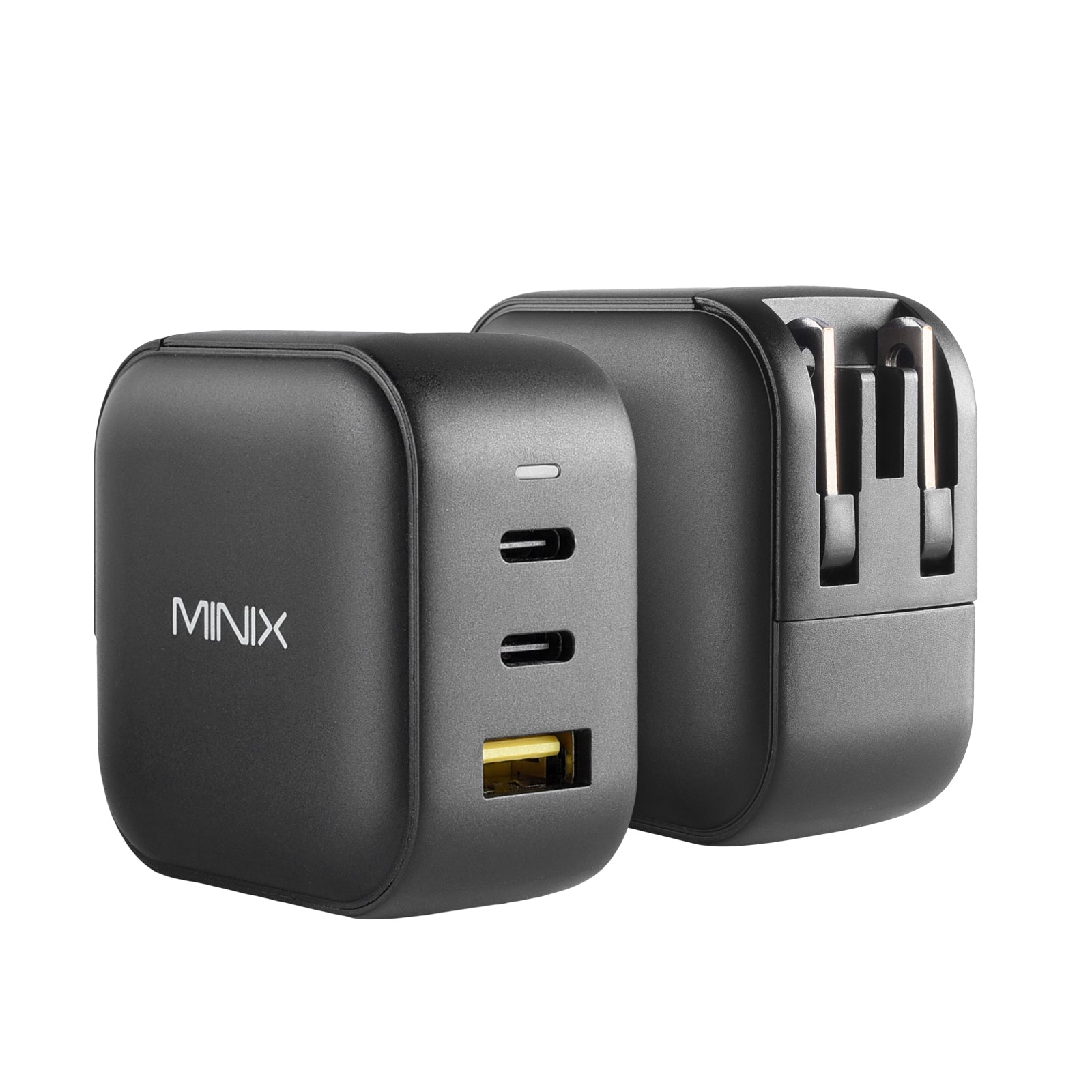
The GaN Charging Revolution: Ditch the heavy power bricks. The MINIX P3 Pro 100W GaN Charger can power your host while simultaneously fast-charging two additional devices. Its built-in LED display provides real-time wattage monitoring, ensuring smart and transparent power distribution across its triple-port layout.
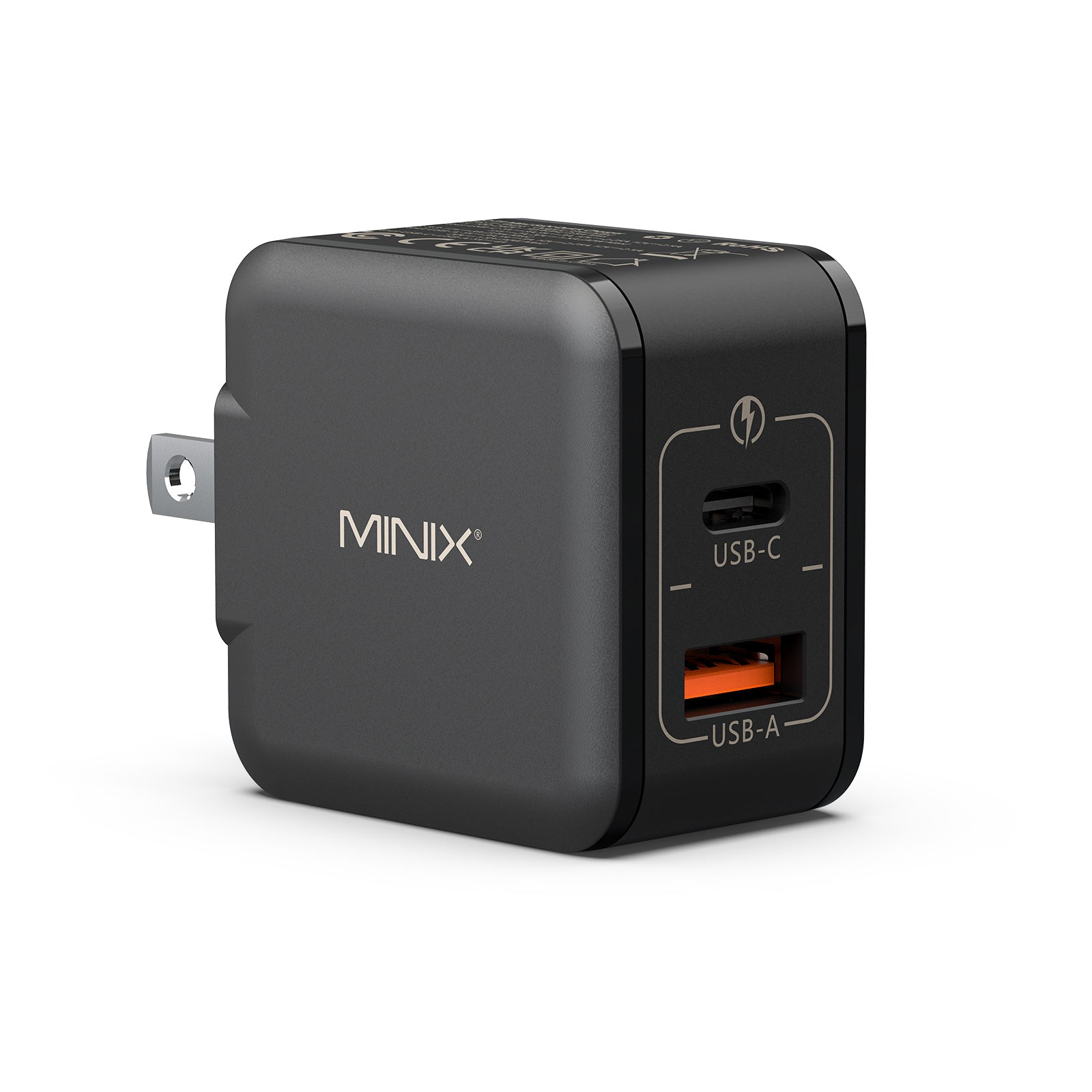
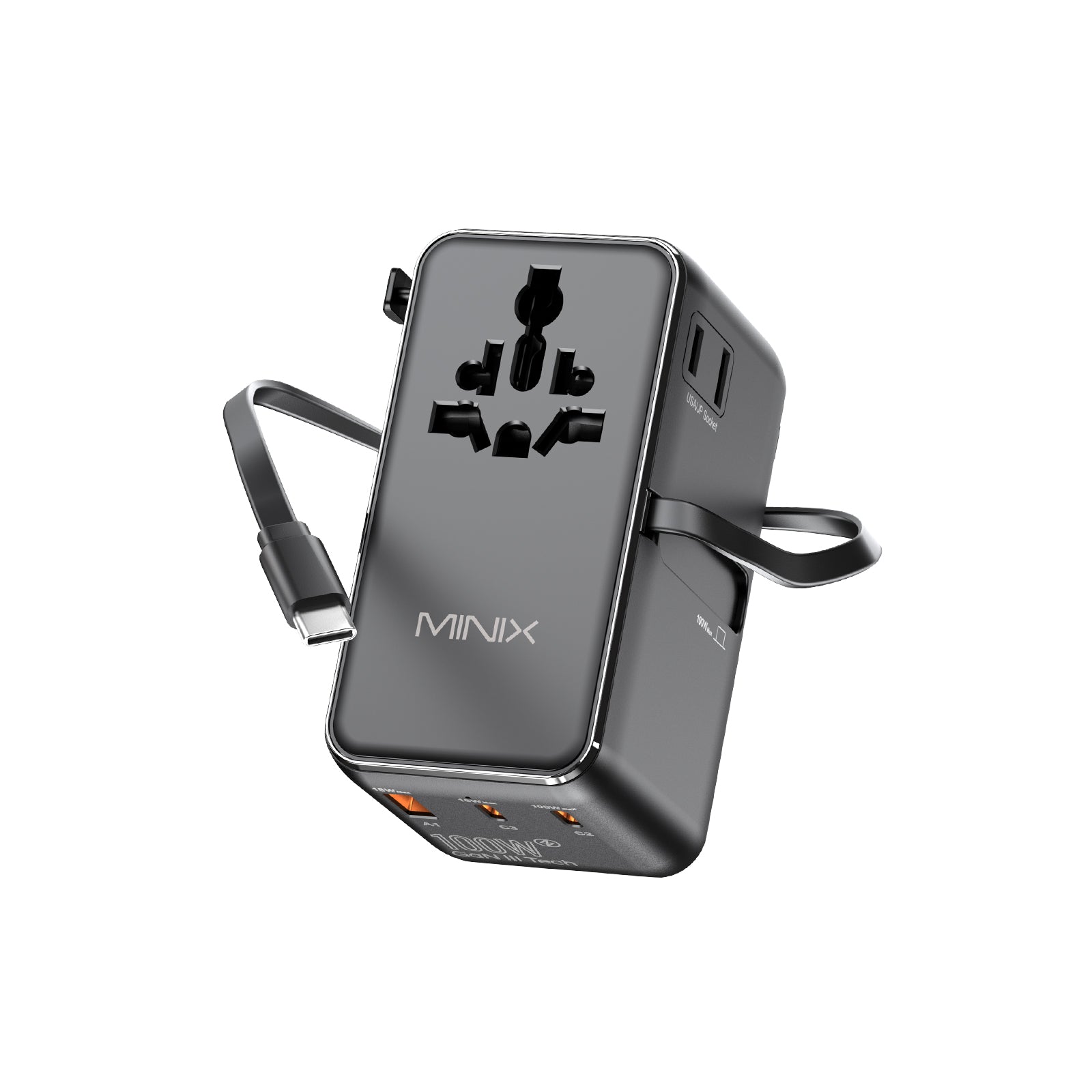
The Global Nomad's Tool: For the global nomad, the MINIX TP100C Universal Adapter is a masterpiece. It features a built-in 63cm retractable USB-C cable—a world-first design that eliminates cable clutter in your bag while delivering 100W of power across any continent.

Future-Proof Your Productivity
Selecting a MINIX Mini PC is a strategic decision to embrace fanless silence, AI acceleration (TOPS), and industrial-grade protection. By matching the right hardware to your workflow, you aren't just buying a computer; you are future-proofing your productivity for the AI era.
Ready to revolutionize your desk? Explore the full range of MINIX solutions today and find the configuration that powers your specific workflow.

FAQs
Are mini PCs worth it for work?
What to consider when buying a mini PC?
• CPU & AI Capability: Ensure the processor matches your workload (e.g., look for an NPU with high TOPS for AI tasks).
• RAM & Storage: Aim for at least 16GB of DDR5 RAM and an NVMe SSD for a smooth mini PC Windows 11 experience.
• Cooling & Noise: Decide if you need a Fanless Mini PC for absolute silence or an active cooling system for high-intensity tasks.
• Connectivity: Check for enough USB-C, HDMI, or Thunderbolt ports to support your monitors and peripherals.
Does a mini PC work like a normal PC?
How to build a mini PC?
1. Open the bottom panel of the chassis.
2. Install the compatible RAM sticks into the SODIMM slots.
3. Plug in an M.2 NVMe SSD into the storage slot.
4. Close the case, plug in a bootable USB drive, and install Windows 11.


Leave a comment
All comments are moderated before being published.
This site is protected by hCaptcha and the hCaptcha Privacy Policy and Terms of Service apply.