

In the evolving landscape of 2026, the "office" is no longer a fixed location. It is a coffee shop in Berlin, a high-speed train to London, or a highly optimized compact home studio. For professionals who refuse to sacrifice efficiency for mobility, a high-quality portable monitor has become a non-negotiable tool.
The MINIX SF10T enters the scene as a specialized precision instrument—a 10.5-inch sRGB display that bridges the gap between ultra-portability and professional-grade desktop utility.
Understanding the Rise of Portable Displays
What Is a Portable Monitor?
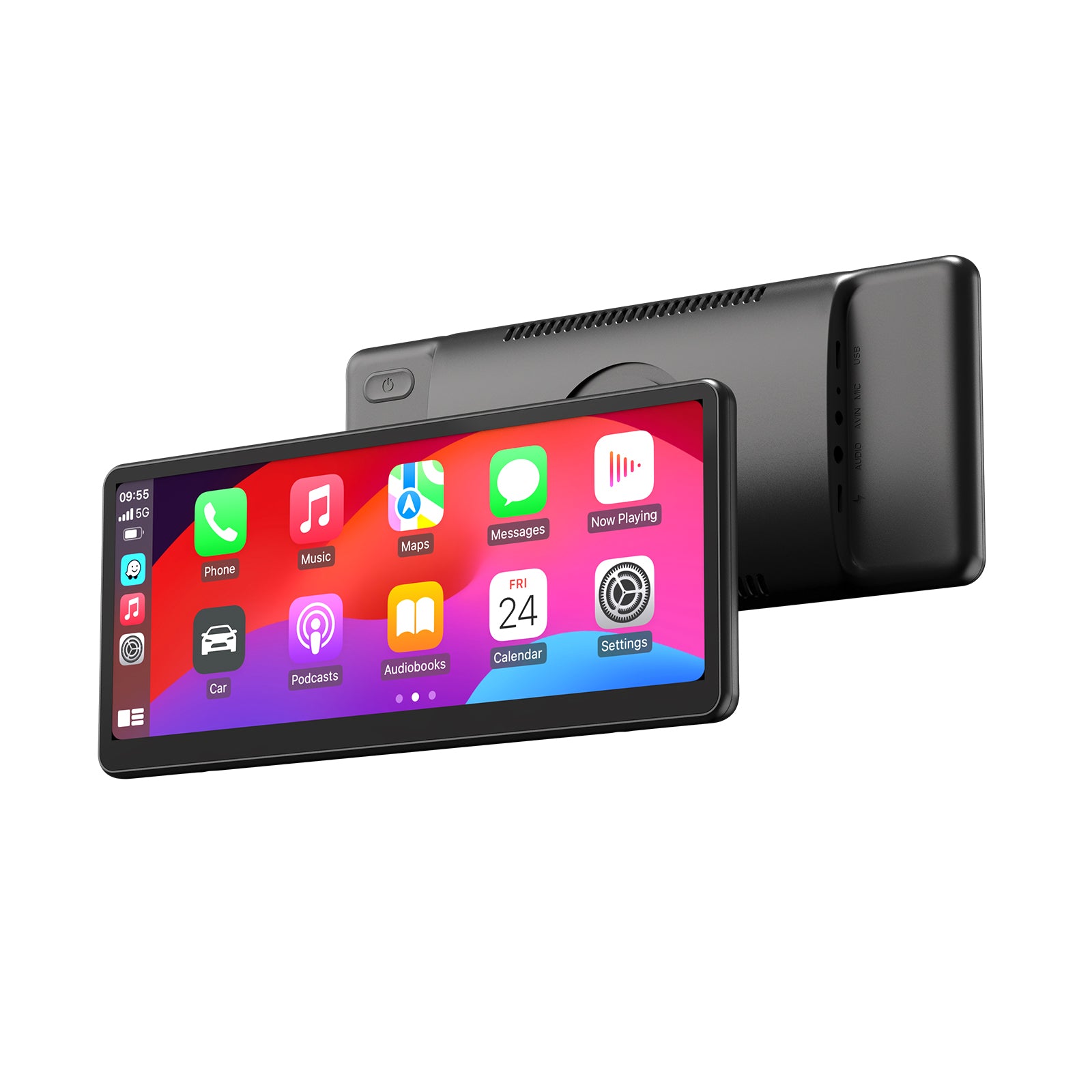
Unlike traditional desktop hardware, a modern portable monitor like the SF10T is a slim, lightweight display designed to draw power and video signal through a single cable. Think of it as the digital equivalent of a high-end notebook—thin enough to slide into a laptop sleeve but powerful enough to extend your workspace instantly.
Why It Matters Today
As mobile work becomes the norm, the limitations of a single screen become apparent. Using a portable monitor for laptop expansion is proven to increase productivity by allowing for better window management and less "application switching." The challenge for most is finding a screen that offers professional-grade color and touch sensitivity without adding significant weight to a daily commute.

Introducing the MINIX SF10T: Technical Specifications
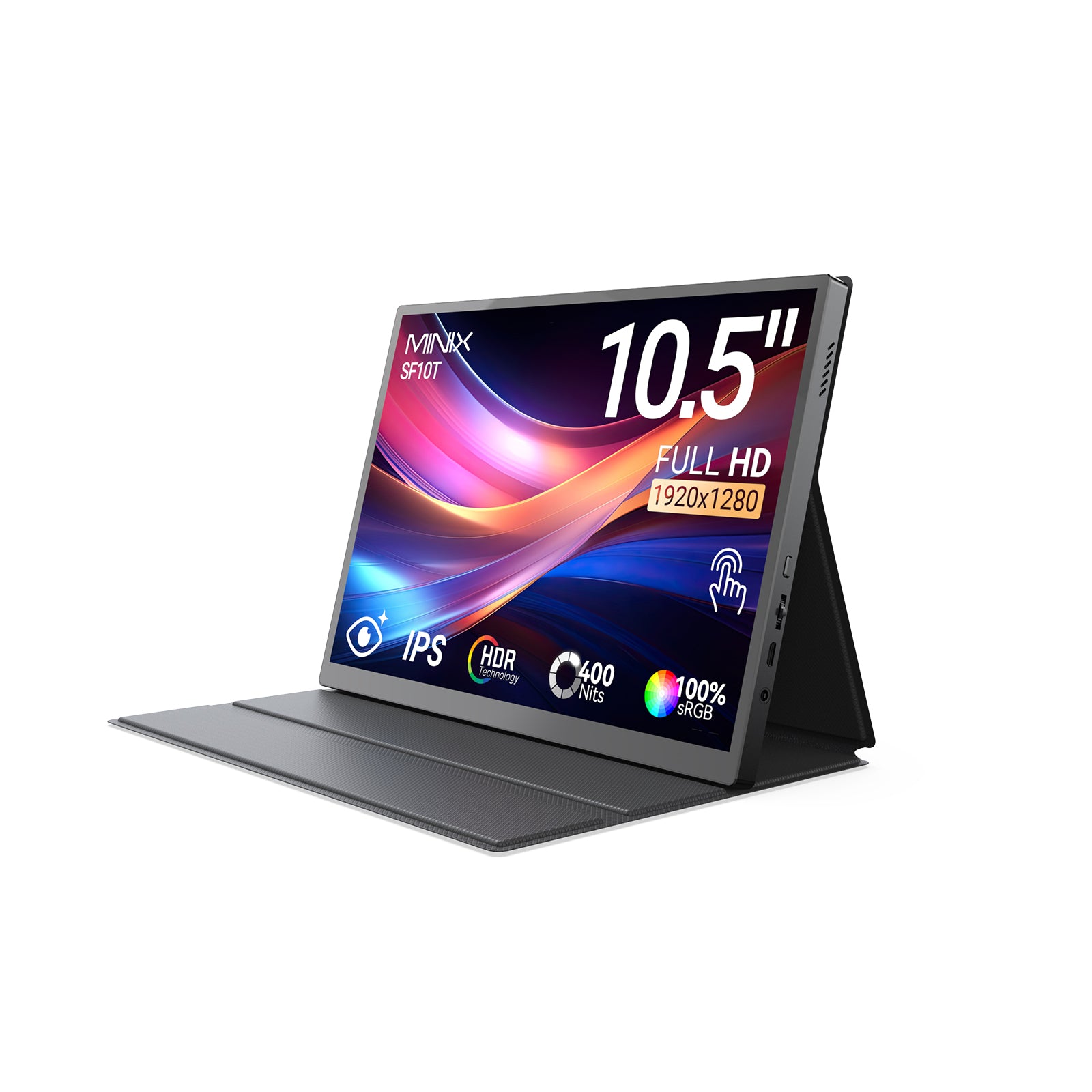
The MINIX SF10T 10.5" sRGB Portable Monitor is engineered for those who value pixel density and accuracy over sheer size. By focusing on a high-density 10.5-inch panel, MINIX ensures every detail is sharp enough for professional use.
|
Category |
Specification |
|
Panel Type |
10.5-inch IPS (Full Viewing Angle 170°) |
|
Resolution |
1920 × 1280 FHD (219 PPI) |
|
Aspect Ratio |
15:10 (Optimized for productivity) |
|
Color Performance |
100% sRGB Coverage |
|
Contrast Ratio |
1500:1 |
|
Touch |
10-point capacitive multi-touch |
|
Weight |
363g (Ultralight design) |
|
I/O Connectivity |
2x USB-C (Full-Feature), 1x Mini HDMI, 1x Micro USB |
|
Power Support |
PD 65W Input / PD 47W Output |

Portability and Design: Built for the Move
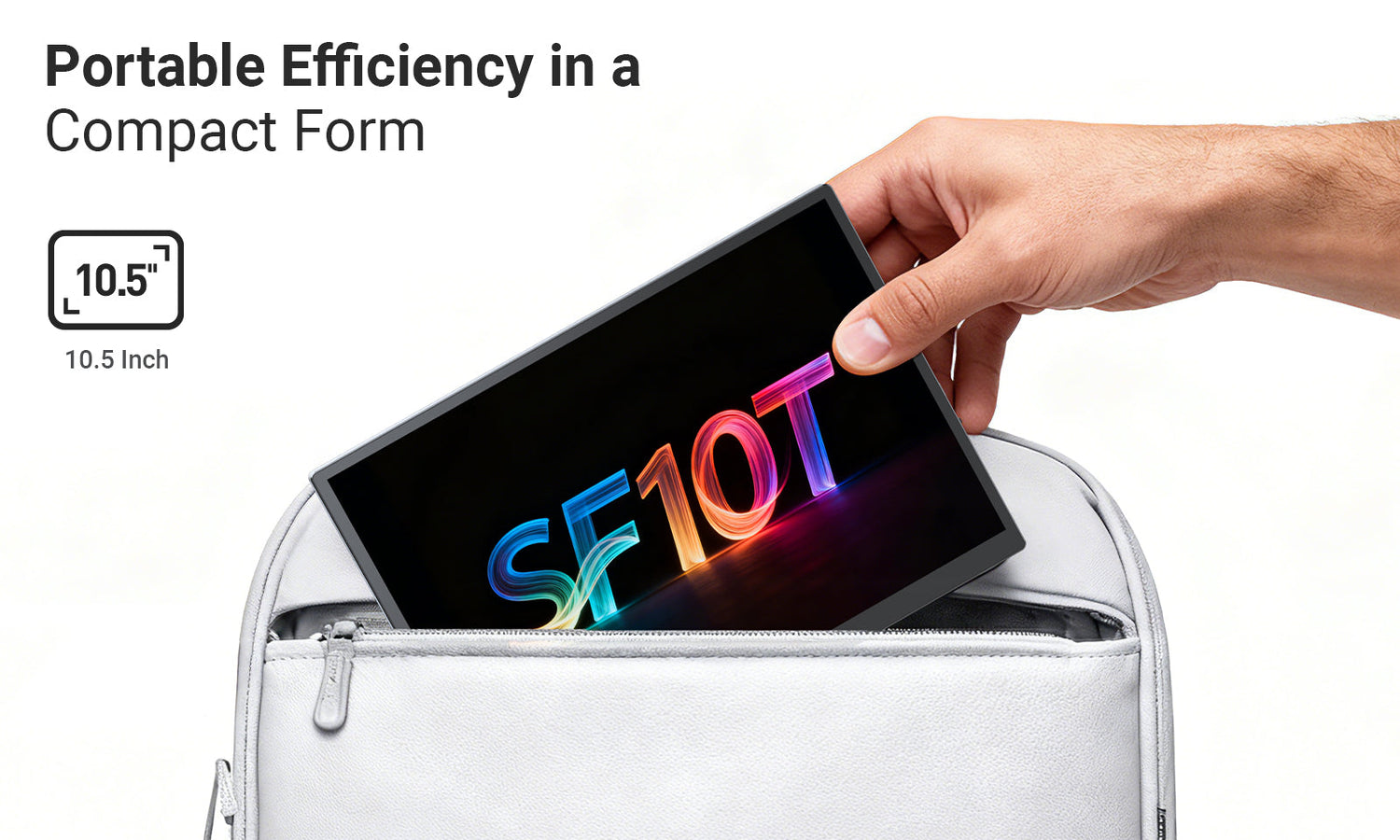
With machine dimensions of 232.9 x 163.9 mm, the SF10T mirrors the footprint of a standard tablet. This design choice is deliberate: it fits into small messenger bags, airplane seatback pockets, and cramped "hot-desking" environments where larger monitors struggle.
At just 363g, the SF10T is lighter than most 11-inch tablets. For the frequent traveler, every gram counts. Carrying this portable touch screen monitor feels negligible, yet it provides a full-featured desktop extension that transforms your mobile setup into a dual-screen powerhouse in seconds.

Display Quality: The 15:10 Advantage
Most modern screens use a 16:9 widescreen ratio, which is ideal for movies but cramped for work. The SF10T utilizes a 15:10 aspect ratio. This provides extra vertical workspace, allowing you to see more lines of code, extra rows in a spreadsheet, or a longer view of a document.
- Exceptional Sharpness: With 219 PPI (Pixels Per Inch), the text is remarkably crisp, rivaling premium laptop displays.
- sRGB Excellence: Boasting 100% sRGB coverage, it is an ideal portable monitor for Mac users who require color parity with Retina-grade displays.
- Professional Optics: The IPS panel offers a wide viewing angle of 178°, ensuring no color shift or "wash out" when sharing your screen with a colleague.
- Eye Comfort: Integrated Low Blue Light technology and HDR support ensure comfort during extended professional sessions.

The Perfect Partner for Mini PCs
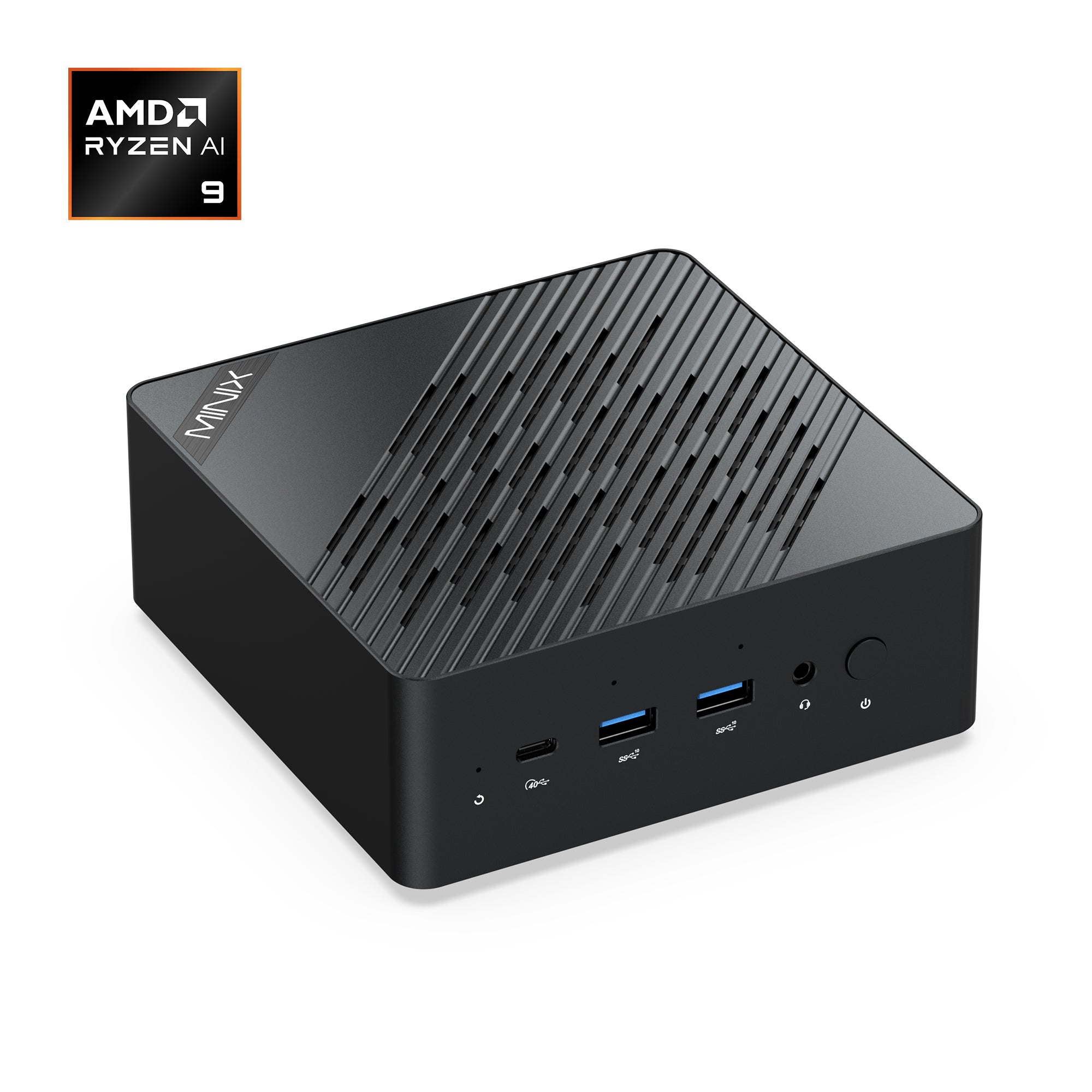
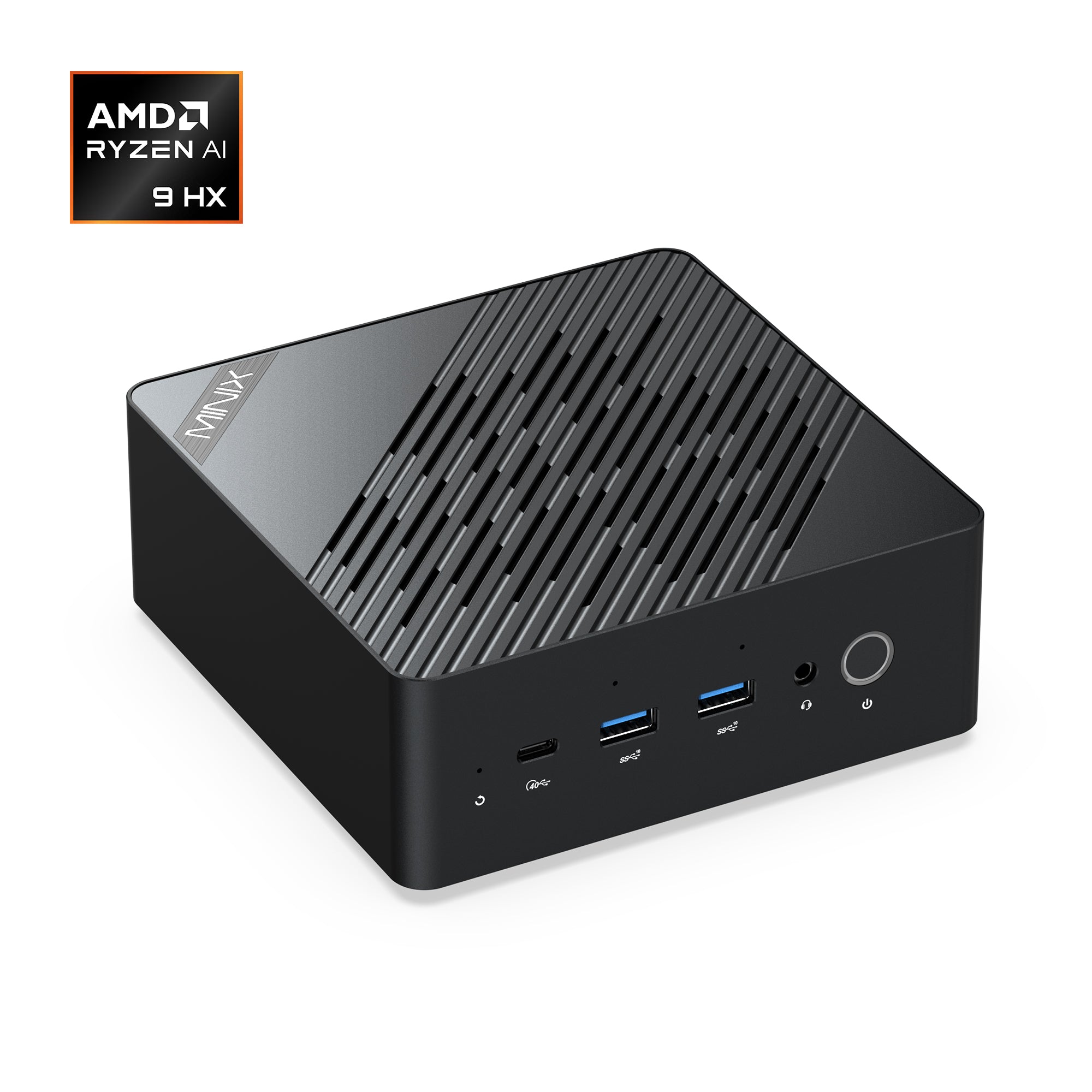
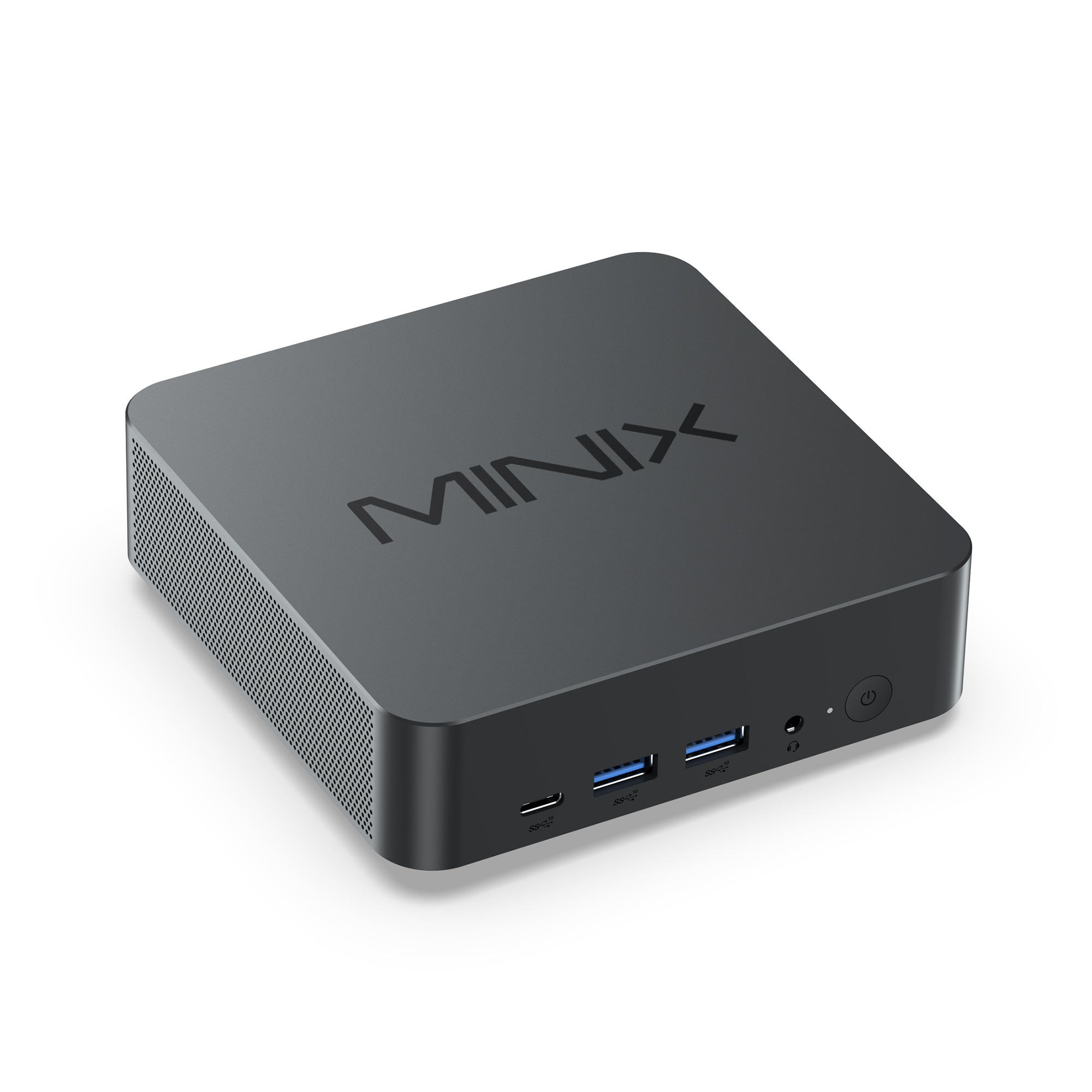
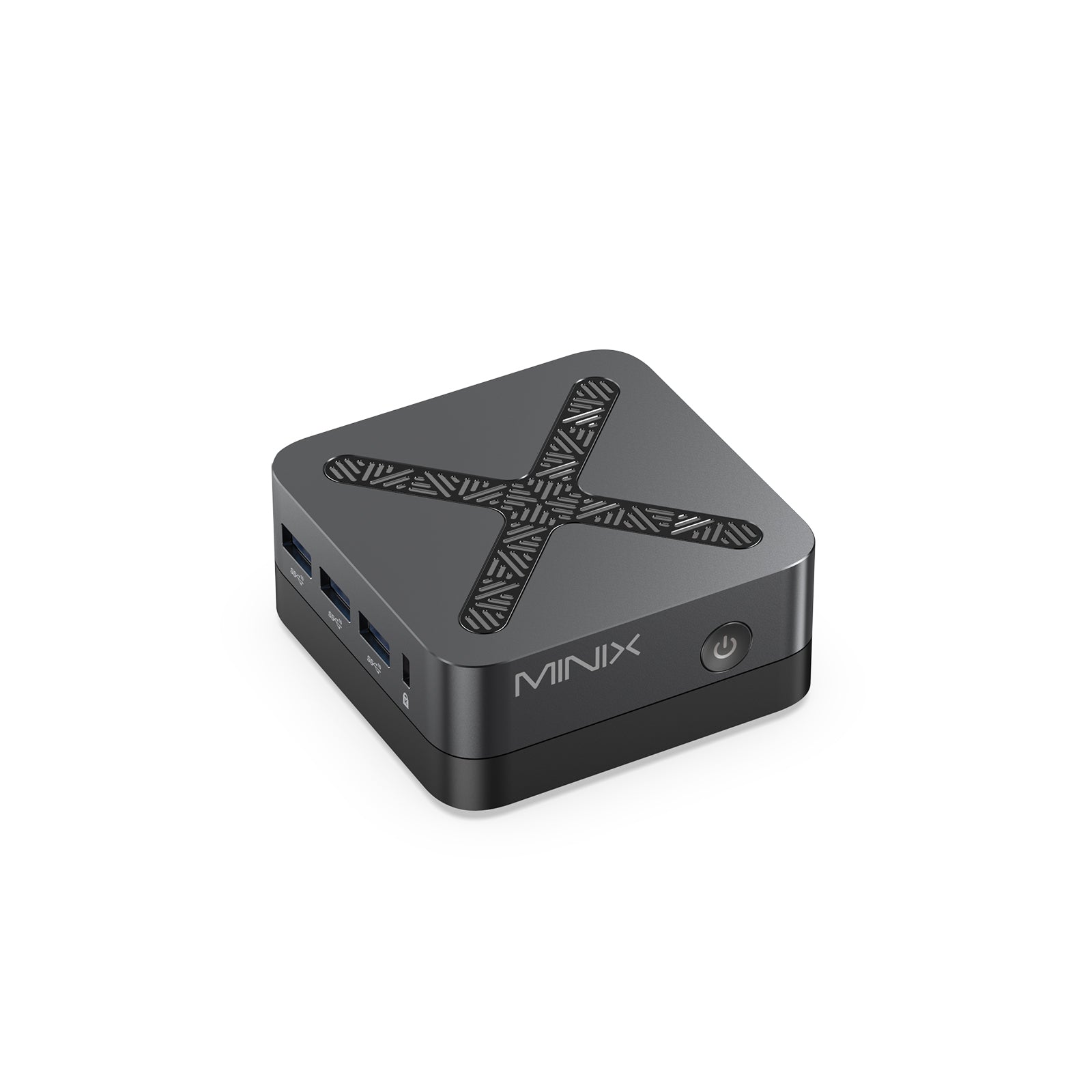
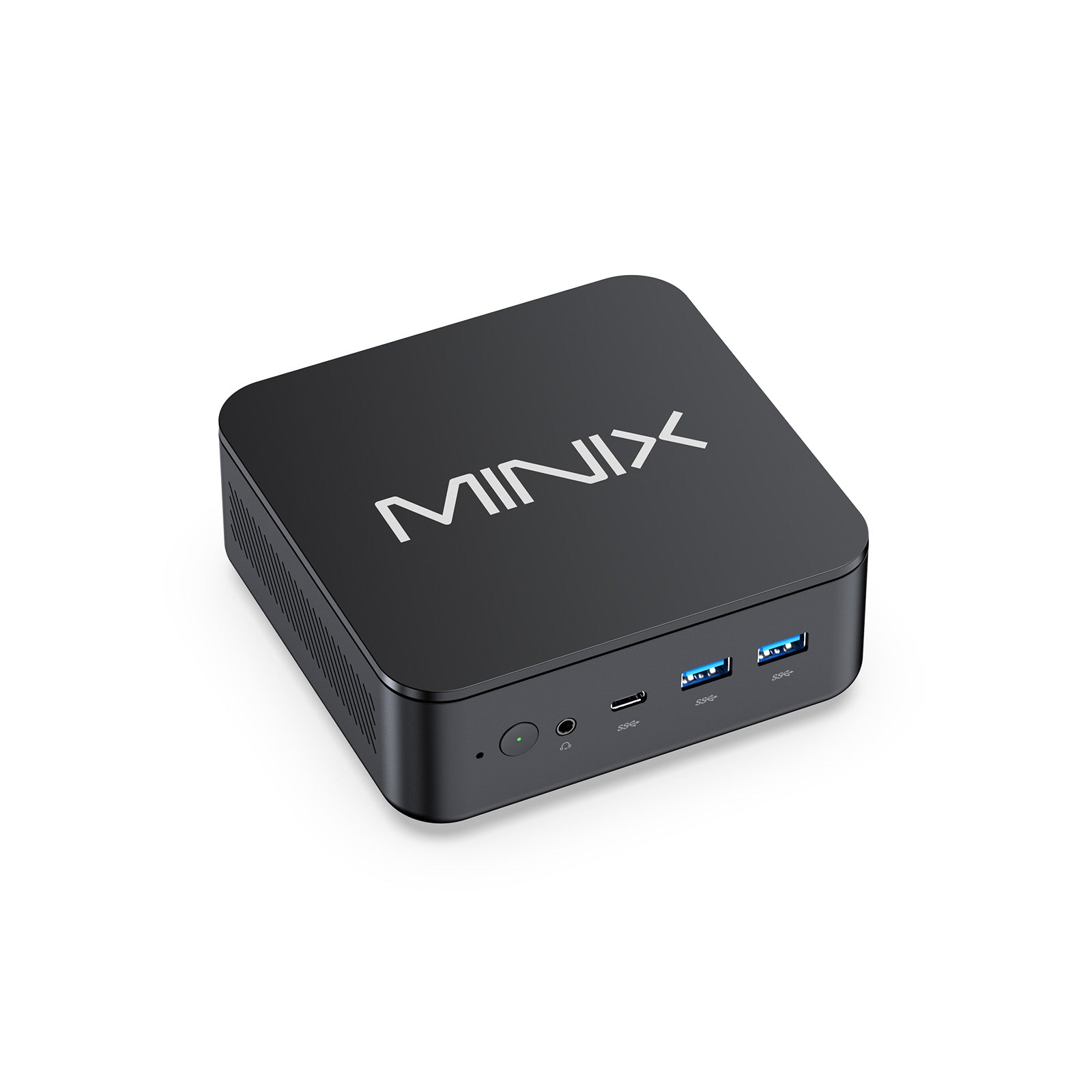
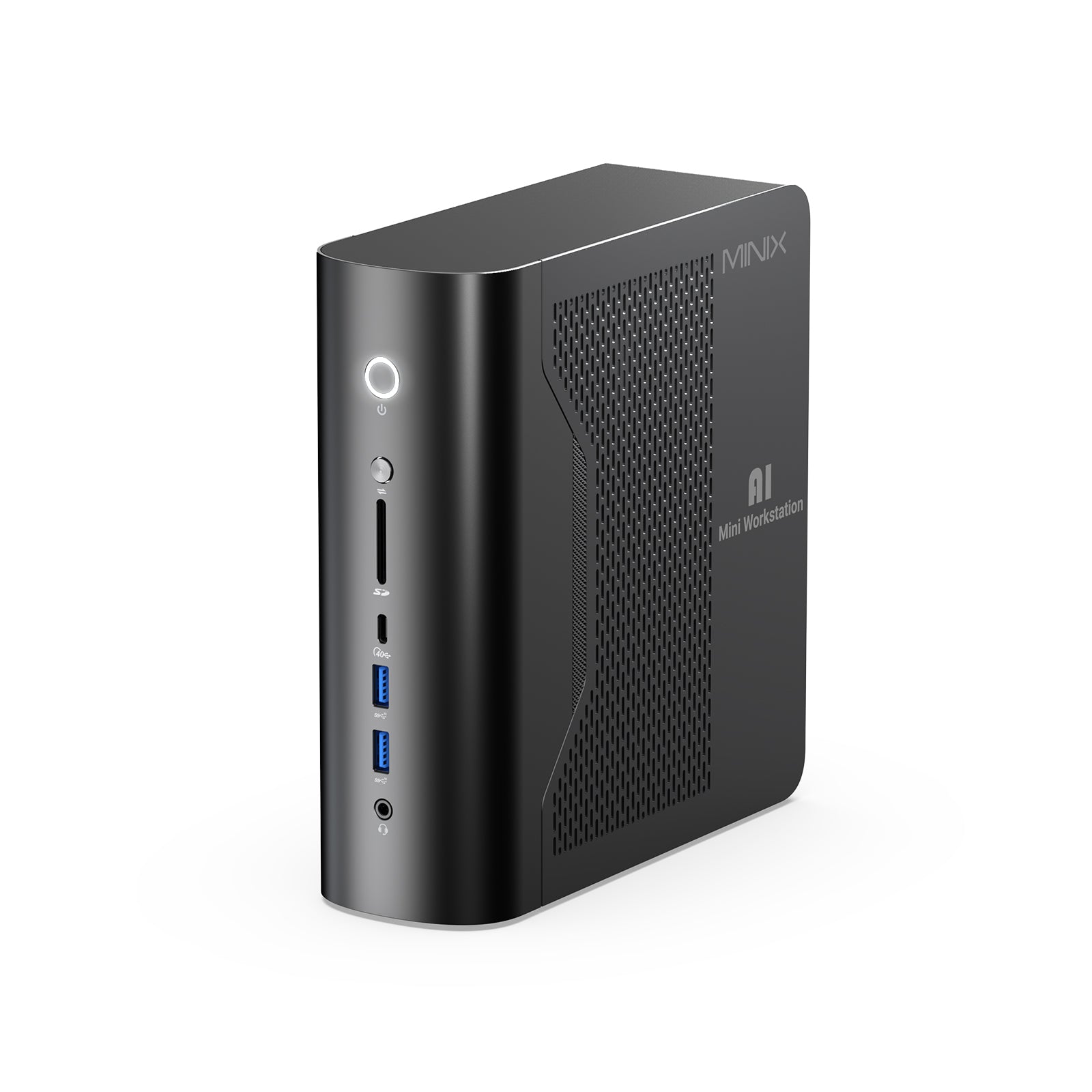
The SF10T is uniquely positioned as the perfect companion for a MINIX Mini PC. Pairing these two devices creates a highly cost-effective, modular desktop system. While traditional towers are bulky and expensive, a MINIX Mini PC provides professional performance in a compact footprint that perfectly complements the SF10T. This synergy offers users a powerful, travel-ready alternative to high-end laptops, providing desktop-grade stability in any location.

Real-World Use Cases
The versatility of the SF10T goes beyond just being a "second screen." It adapts to the unique needs of different professionals:
- The Financial Analyst: Run the SF10T in portrait mode as a dedicated "Live Ticker" or communication monitor (Slack/Discord) while your main screen remains focused on complex data sets.
- The Creative Consultant: During client presentations, use the portable touch screen monitor to navigate your portfolio or sign digital contracts on the spot with natural gestures.

- The Mobile Developer: Debug code on a screen that offers better vertical visibility than standard 1080p displays, all while working from a remote retreat or coffee shop.
- The Travel Enthusiast: Its portable hdmi monitor capabilities make it a vibrant companion for gaming consoles (like a Nintendo Switch) or as a high-quality preview monitor for photographers in the field.
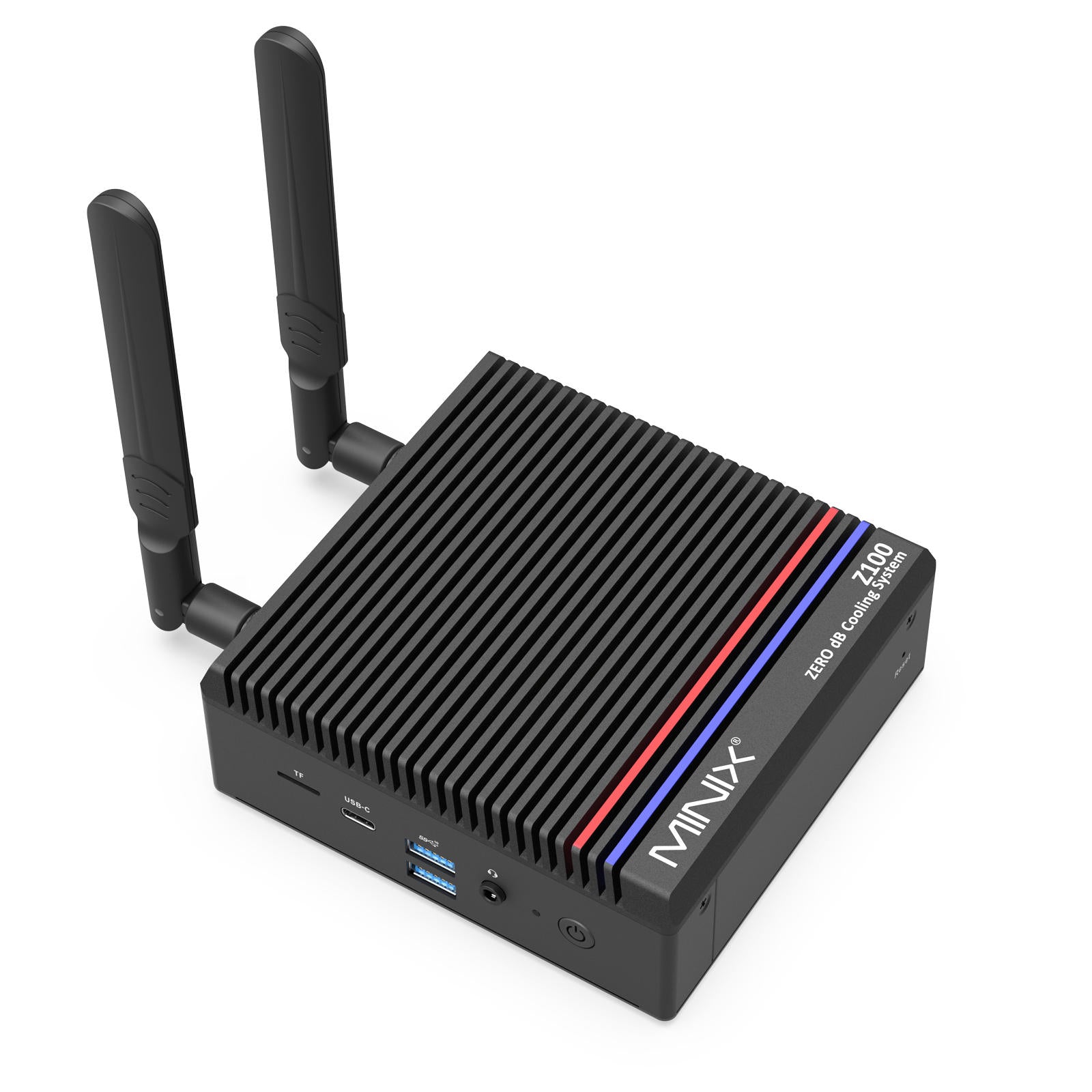
- Headless Server Management: For IT professionals, the SF10T is a compact, high-resolution display for managing headless servers or Mini PC setups in tight server racks.

The MINIX SF10T is a masterclass in purposeful design. By combining a 15:10 high-density panel with 100% sRGB color and 10-point touch, MINIX has delivered a high-performance solution that doesn't sacrifice mobility. It is the definitive choice for professionals who demand a premium, efficient workspace that fits in the palm of their hand.
FAQs
Are portable monitors worth it?
Can I use a mini TV as a monitor?
Can I use a portable monitor for a laptop?
Why won't my portable monitor connect to my laptop?
• Compatibility: Your laptop’s USB-C port must support "DP Alt Mode" for video output.
• Power: The monitor may not be receiving enough power from the laptop (in which case, an external power brick should be connected to the monitor).
• Cables: Not all USB-C cables support video; you must use the high-speed video cable included with your monitor.
What to consider when buying a portable monitor?
• Portability: Look for a weight under 500g and a slim profile.
• Display Quality: Ensure it has at least Full HD resolution and an IPS panel for wide viewing angles.
• Connectivity: Look for dual USB-C ports with Power Delivery (PD) to simplify cable management.
• Aspect Ratio: For work, a taller ratio like 15:10 or 16:10 provides more vertical space for reading and coding compared to standard 16:9 widescreen.


Leave a comment
All comments are moderated before being published.
This site is protected by hCaptcha and the hCaptcha Privacy Policy and Terms of Service apply.