

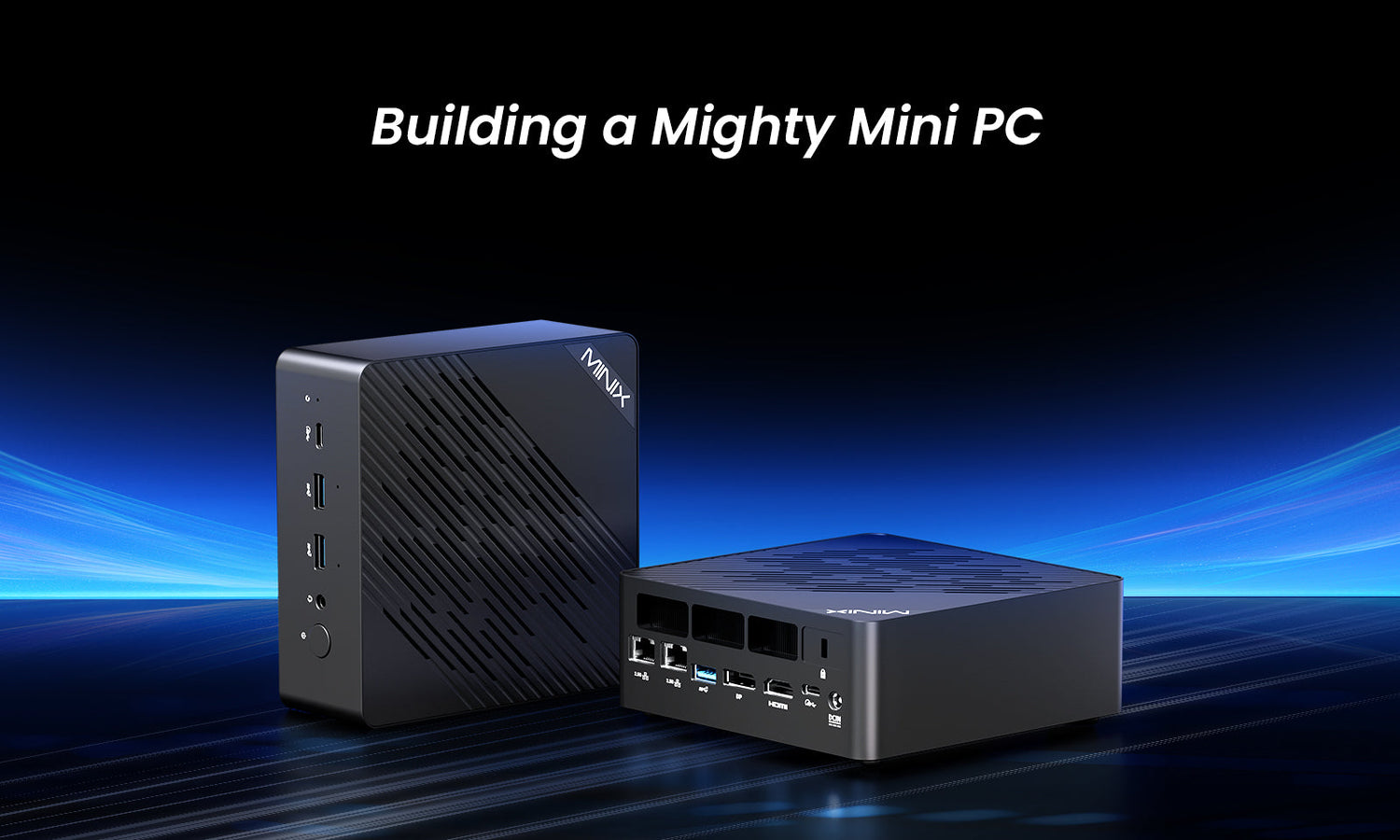
Building your own personal computer is one of the most rewarding projects for any tech enthusiast. It gives you the freedom to customize every component according to your needs and budget, and it also helps you understand how hardware works together to create a smooth computing experience. While most people think of large desktop towers when they hear the term “DIY PC”, mini PCs have become a powerful alternative. Compact, energy-efficient, and elegant, these small-form-factor systems are perfect for modern homes and workspaces.
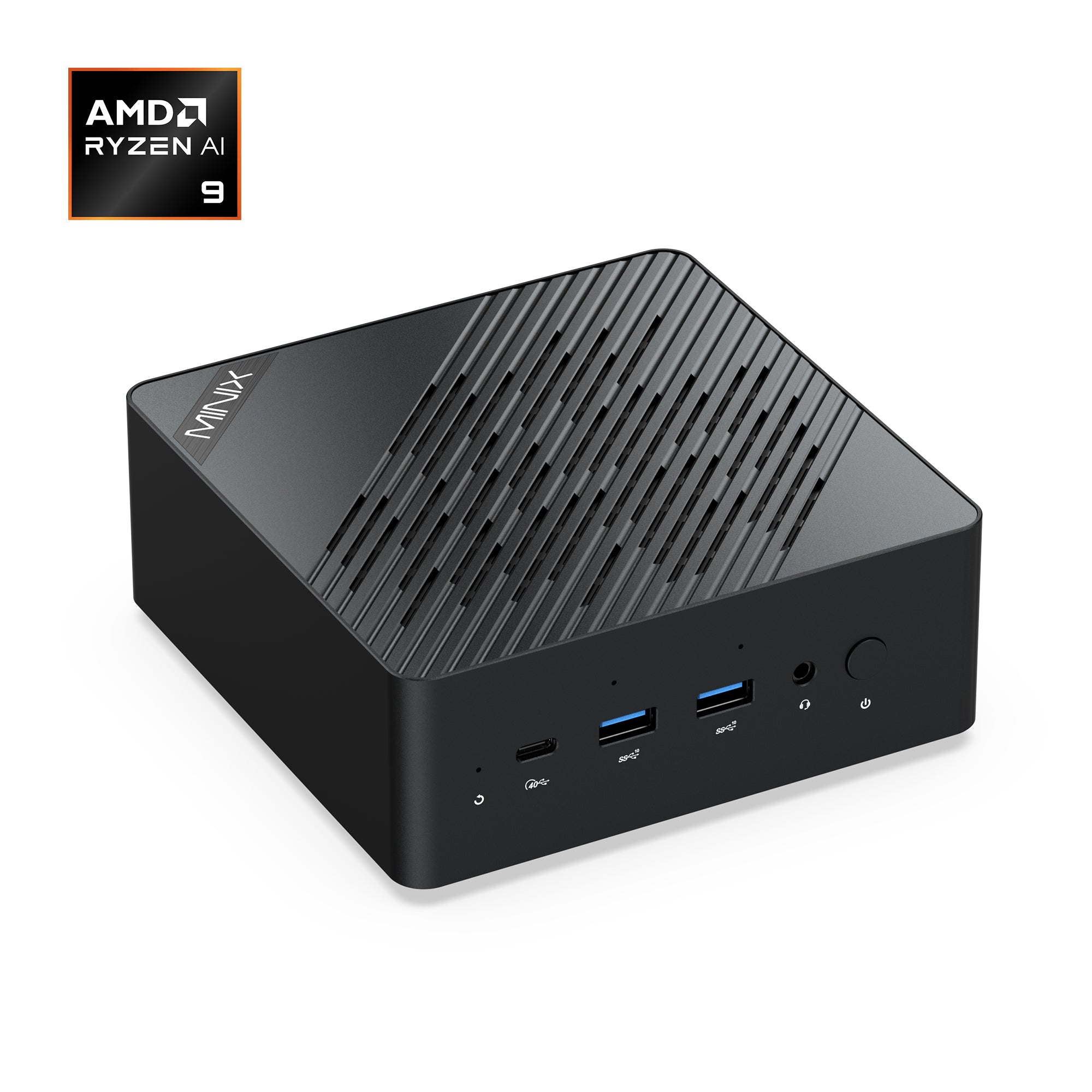
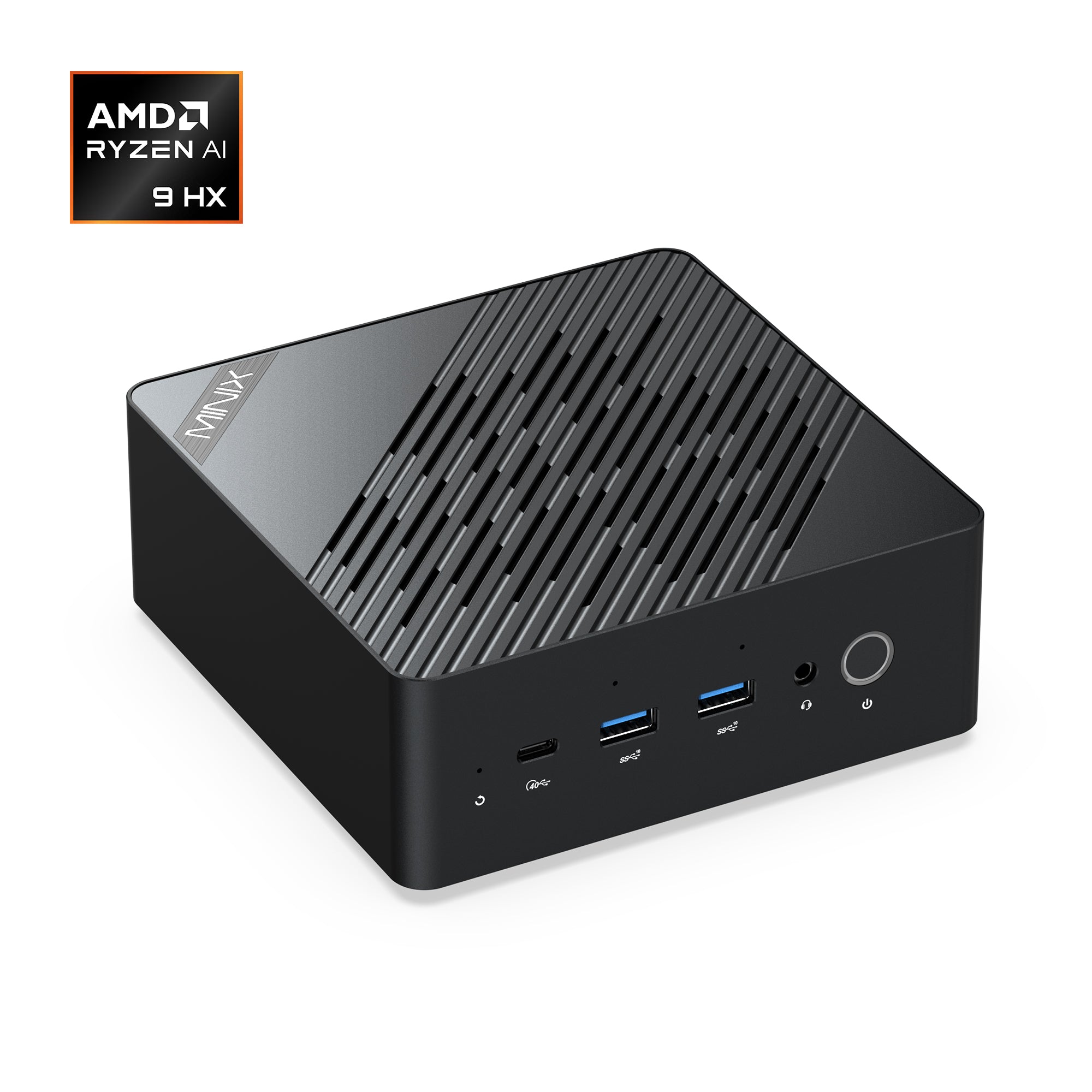
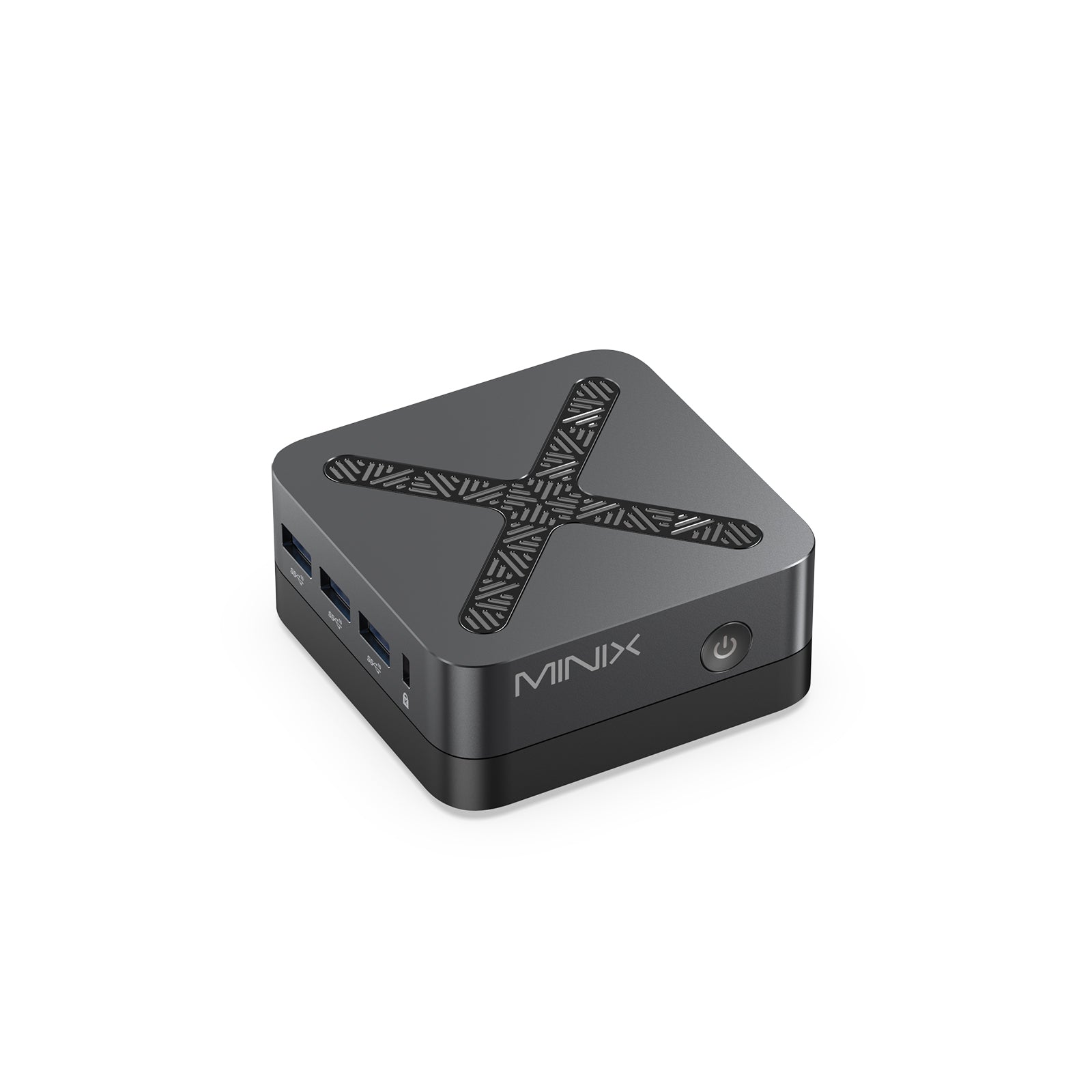
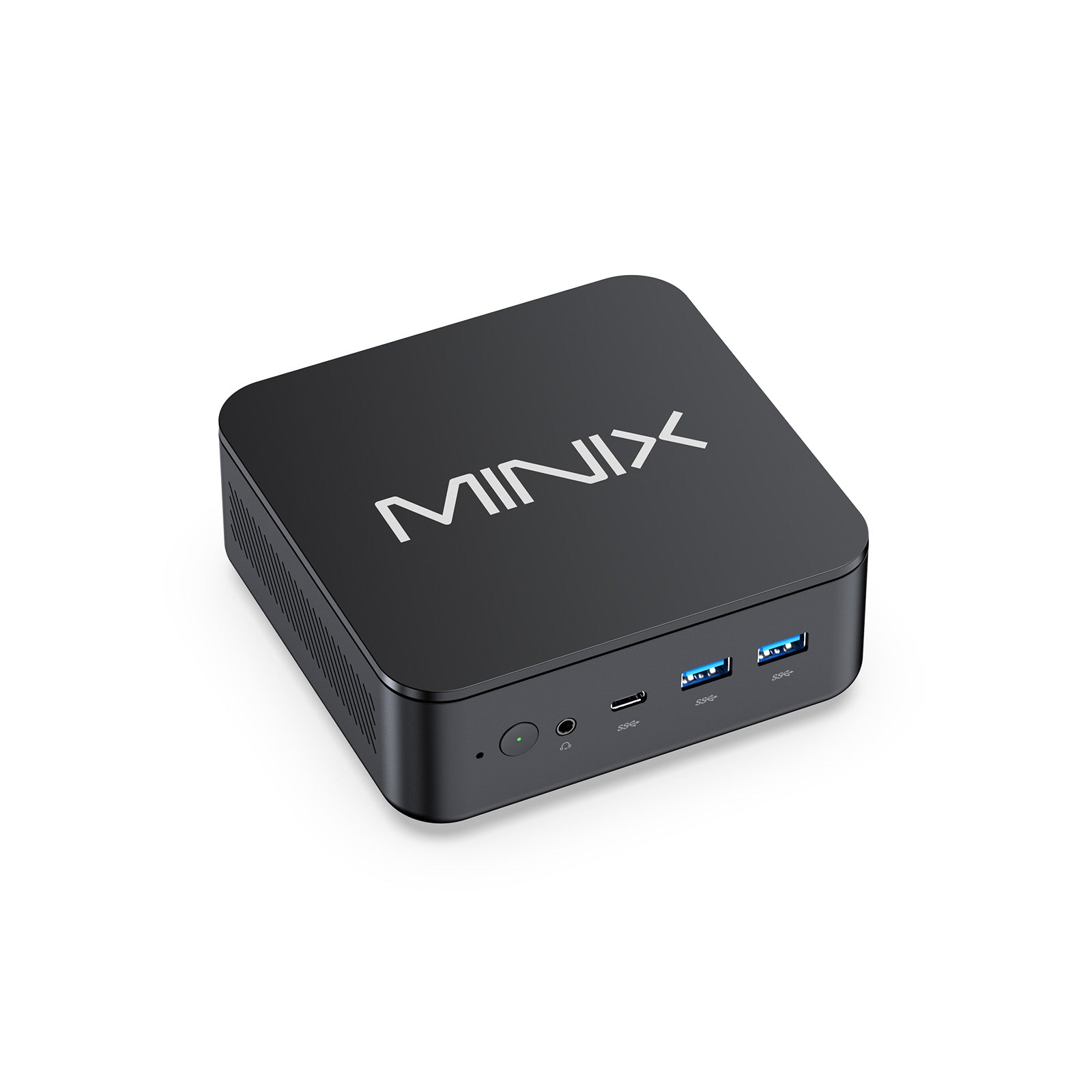
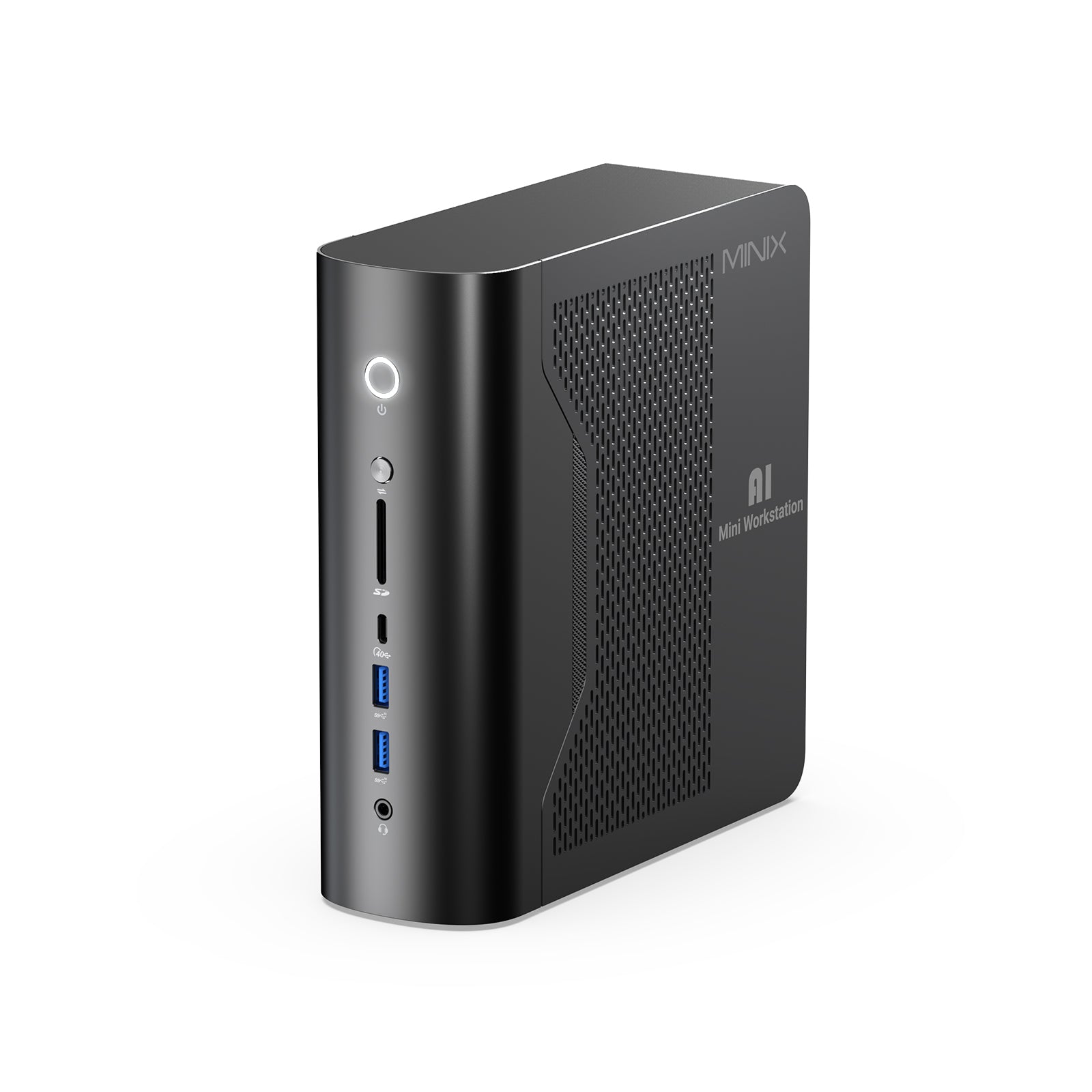
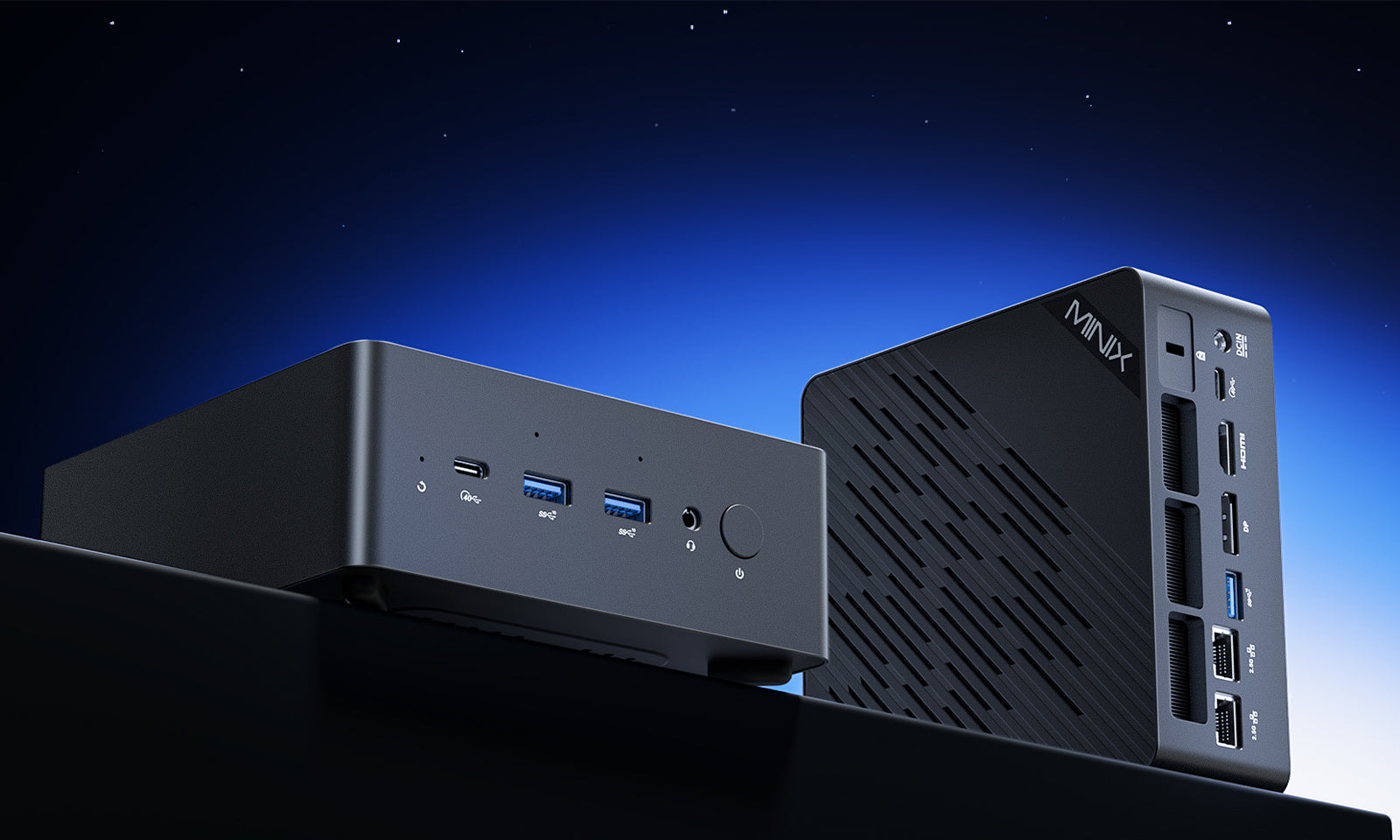
Next up, let's dive deep into the entire assembly process of mini PCs together! From early configuration planning to every detailed step of hands-on assembly, we'll break it down clearly for you—even if you're a total beginner, you can follow the pace to build the whole machine steadily. You can also use MINIX's ER936-AI and ER937-AI mini PCs as "example models" to get a direct feel for what practical tricks these high-performance, compact devices can pull off in real-world scenarios!
Core Components: How to Choose the Best Parts for Your Ideal Mini PC?
1. Planning and Preparation
Before assembling a mini computer, you first need to clarify its core purpose: is it for building a basic office system, a compact gaming console, or a living room media center? Different usage scenarios directly determine the priority of core component selection—whether to focus on processor performance, graphics card computing power, or storage capacity. After defining the purpose, further set a budget and select compatible components.
Due to the limited space of mini hosts, component compatibility is particularly crucial, requiring close attention to physical dimensions, power supply requirements, and heat dissipation design. Typically, mini computers adopt Mini-ITX motherboards, small-sized power supplies (such as SFX standard power supplies or external adapters), and compact heat dissipation solutions. The internal space of the chassis is very precious; before assembly, you need to carefully check the height of the CPU cooler and plan the installation positions of power cables and storage devices to avoid blocking air flow and affecting heat dissipation.

However, the preparation work before assembly is complex and tedious. In contrast, choosing a ready-made mini computer with mature technology in all aspects is much easier. If you’re looking for a mini PC that balances performance and space efficiency, while also wanting a reliable brand to trust, you might start by getting to know MINIX. A brand renowned in the industry for building high-performance mini PCs, MINIX consistently strikes a rare balance between powerful performance and a compact design. Among its current lineup of models, the MINIX ER937-AI Mini PC stands out as the most impressive one. Equipped with an AMD Ryzen AI 9 HX 370 processor and an AMD Ryzen AI NPU, its dual-engine work in synergy can quickly handle various AI tasks, providing strong support for efficient office work.
You might worry whether such powerful built-in components will bring heat dissipation pressure. In fact, there is no need to worry at all. The ER937-AI is equipped with an efficient heat dissipation system consisting of an internal copper heatsink and dual fans, which can quickly reduce the internal temperature of the device and ensure stable and reliable operation even under high load.

2. Indispensable Core Components & Configuration
Every mini PC consists of seven core components: motherboard, CPU, RAM (Random Access Memory), storage device, power supply, cooling system, and case. As the system's core hub, the motherboard plays a key role in connecting all components. Given the characteristics of mini PCs, the motherboard must balance compact size with rich functionality. An ideal configuration should include a built-in Wi-Fi module, M.2 storage slots, and an adequate number of USB ports to meet expansion needs.
The CPU (Central Processing Unit) is the core component determining a device's overall performance. For compact systems with limited space and strict heat dissipation constraints, priority should be given to processors with high energy efficiency and moderate heat generation—modern AMD Ryzen and Intel Core series chips are both optimal choices for such scenarios. MINIX, specializing in high-performance mini PCs, has precisely addressed this core demand: both the ER937-AI and ER936-AI are equipped with AMD Ryzen series CPUs and built-in active cooling systems, combining high performance with efficient heat dissipation to support demanding work tasks.
The capacity of RAM directly dictates the number of applications a device can run smoothly. 16GB of RAM meets the daily needs of most users, while 32GB is recommended for those who frequently handle multitasking to ensure smooth operation. For storage, solid-state drives (SSDs) are preferred, and the NVMe M.2 form factor—with its high read/write speeds and compact size—stands out as the ideal match for mini PCs.
Furthermore, most modern mini PCs feature expandable memory and storage. The MINIX ER937-AI and ER936-AI, for instance, come standard with 32GB DDR5 RAM (expandable to 96GB) and a 1TB PCIe 4.0 NVMe SSD (expandable to 8TB)—more than sufficient for daily use. Their quick-release design also simplifies the process of upgrading RAM or storage.
The power supply must meet two key requirements: "compact size" and "stable reliability". High-quality SFX-standard power supplies or external adapters can not only ensure stable system operation but also effectively reduce operating noise. Finally, when choosing a case, focus should be on "cooling efficiency in limited space" and "ease of cable management" to balance the device's performance release and subsequent maintenance convenience.

3. A Practical Guide from CPU Installation to System Boot-Up
Once all components are assembled, prepare a clean and well-lit workspace. When handling grounded metal objects, wear an anti-static wristband to prevent electrostatic damage. Begin with the motherboard on a flat surface. Open the CPU socket lever, align the CPU with the socket markers, and gently place it inside. Secure the latch without using force. Next, install the RAM sticks by aligning them with the notches and pressing until they click into place. Attach the M.2 SSD to its slot and fasten it with a small screw.
Apply a pea-sized drop of thermal paste on the CPU surface, then mount the cooler, ensuring it fits within the height limits of the case. Plug the cooler’s fan cable into the motherboard’s CPU-fan header. Carefully place the motherboard inside the mini PC case, aligning screw holes with standoffs, and secure it with screws. Mount the power supply in its designated space or connect the external power interface, then attach the main 24-pin power cable and the smaller CPU-power connector. Finally, connect the front-panel cables—such as the power button, USB ports, and audio jack—to their corresponding pins.
Before closing the case, neatly organize the cables to maintain airflow. Connect the display, keyboard, and power cord, then press the power button to check if the system starts and displays the BIOS screen. If everything works, proceed to install your operating system from a USB drive. Install the necessary drivers for the motherboard, graphics, and network to ensure full functionality.
The above is the basic process for assembling a mini PC. It’s clear that getting a mini PC that balances performance and heat dissipation well is no simple feat—it requires carefully selecting hardware configurations based on your needs in the early stage, followed by precise assembly. However, opting for a ready-made mini PC with excellent overall performance simplifies everything: it not only saves the time spent on choosing components but also delivers a better user experience, truly maximizing the advantages of a mini PC—compact size paired with powerful performance.

Learning from Real-World Mini PCs: MINIX ER936-AI and ER937-AI
For inspiration, you can look at professional mini PC models such as MINIX’s ER936-AI and ER937-AI. These compact systems demonstrate how powerful hardware can be integrated into small enclosures. The ER936-AI Mini PC features the AMD Ryzen AI 9 365 processor, while the ER937-AI upgrades to the AMD Ryzen AI 9 HX 370, delivering strong multitasking and AI-accelerated performance in a small footprint. Studying their specifications helps you understand how efficient power delivery, advanced cooling, and compact layout design come together to achieve desktop-level capability in a fraction of the size.
By analyzing these models, you can plan your own build with similar design principles—prioritizing effective heat dissipation, high-bandwidth memory, and versatile connectivity. They also show that small form factor does not mean sacrificing power; it simply requires smarter component choices and careful engineering.

Debugging & Optimization: Boost Your Mini PC’s Practical Value
When your system is assembled, update the BIOS to the latest version to ensure stability and hardware compatibility. Configure fan speeds for quiet operation and set the correct boot order. It is good practice to run a few stress tests and monitor temperatures to make sure the system remains cool under load. If you plan to use your mini PC as a home theater or AI workstation, keep the internal airflow unobstructed and clean dust filters regularly.
Building a mini PC may seem challenging at first, but it follows the same principles as assembling a standard desktop—only with more emphasis on precision and planning. Always double-check measurements and compatibility before buying parts, and handle components gently to avoid damage.
For users who prioritize desktop space or want a powerful computer without the "gaming gear" look, mini PCs are an excellent choice. Building a custom mini PC is both a technical challenge and a creative endeavor — its internal structure is sophisticated and complex, and it needs to maintain a low temperature in an extremely small space, so a good cooling solution is essential. Overall, assembling a custom mini PC is quite difficult, but purchasing a suitable pre-built mini PC based on your needs can help you avoid these problems easily.

MINIX offers a wide range of mini PC options, combining compact size with powerful performance. It selects high-performance hardware configurations and equips efficient cooling systems. Whether you need a quiet workstation to boost work efficiency, a media center for streaming, or a powerful machine for light gaming, MINIX can provide the best option tailored to your needs.


Leave a comment
All comments are moderated before being published.
This site is protected by hCaptcha and the hCaptcha Privacy Policy and Terms of Service apply.